The world of game development owes a thank you to SideFX for their new Houdini update!
SideFXrecently released a huge update to their Game Development Toolset for Houdini.
This toolset enables game developers to have control like never before when building VFX assets inside of Houdini. There are over 90 tools available for enhancing the VFX pipeline for game development in Houdini (following the 40 new ones that have just been added).
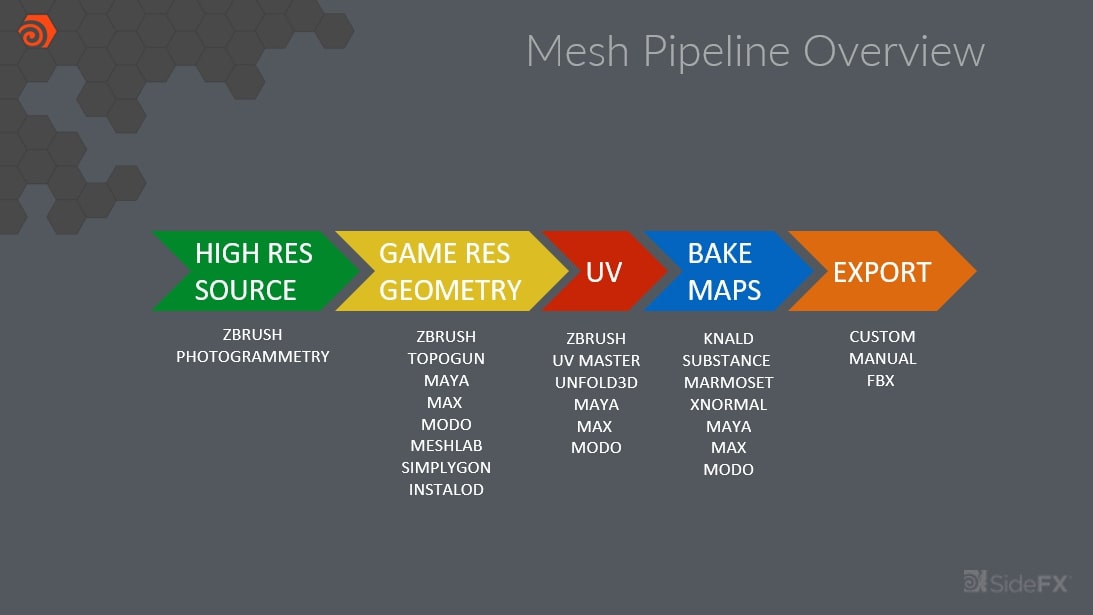
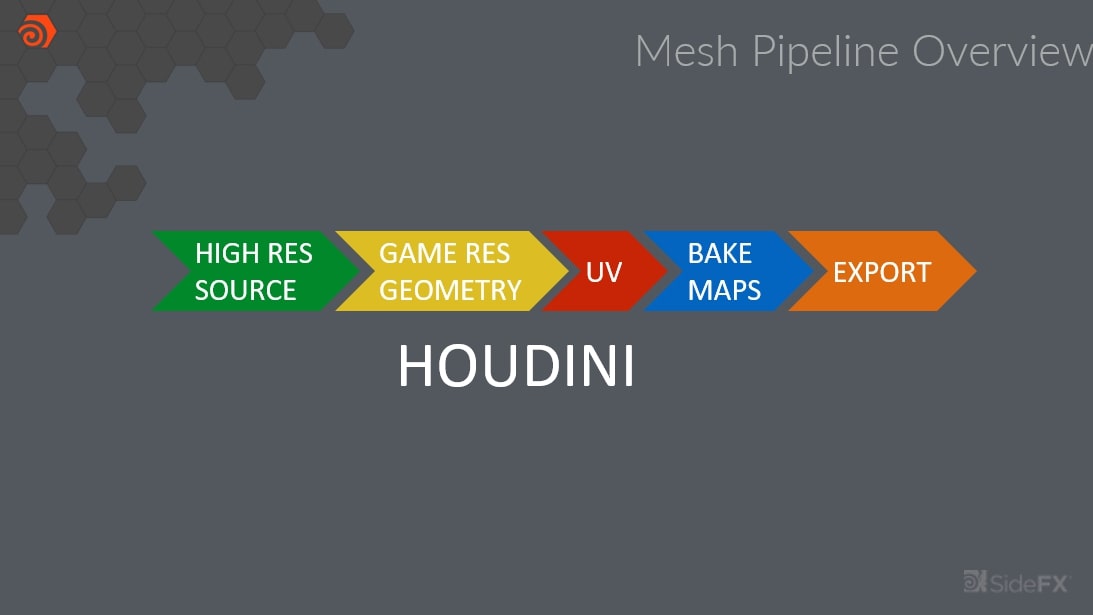
First, let’s take a look at what game developers can achieve with Houdini. In the video below, you’ll see how developers can generate almost any type of environmental details imaginable, and create entire biomes for a game.SideFX: https://bit.ly/2Xz9y7z...and transform it into a consolidated process that allows you to remain inside Houdini the entire time (like this):SideFX: https://bit.ly/2Xz9y7zWhile Houdini users have had access to the Game Development Toolset for some time, here are five noteworthy features that can be utilized following the latest update. To be fair, all 90+ tools are very useful depending on your workflow, and you can view the full list on Houdini’s Game Development Toolset page.
1. Automated Photogrammetry with Reality Capture
While it may be of more benefit on the Art Pipeline, Laser Scanning is a thing of the past thanks to photogrammetry. With Houdini’s automated photogrammetry plugin that uses Reality Capture’s industry-leading algorithms, you can implement your photo scans directly within Houdini to automatically generate realistically-modeled 3D photogrammetric assets.To learn more about AliceVision integration within Houdini, click here.
3. OSM (Open Street Map) Importer, OSM Filter, and OSM Buildings
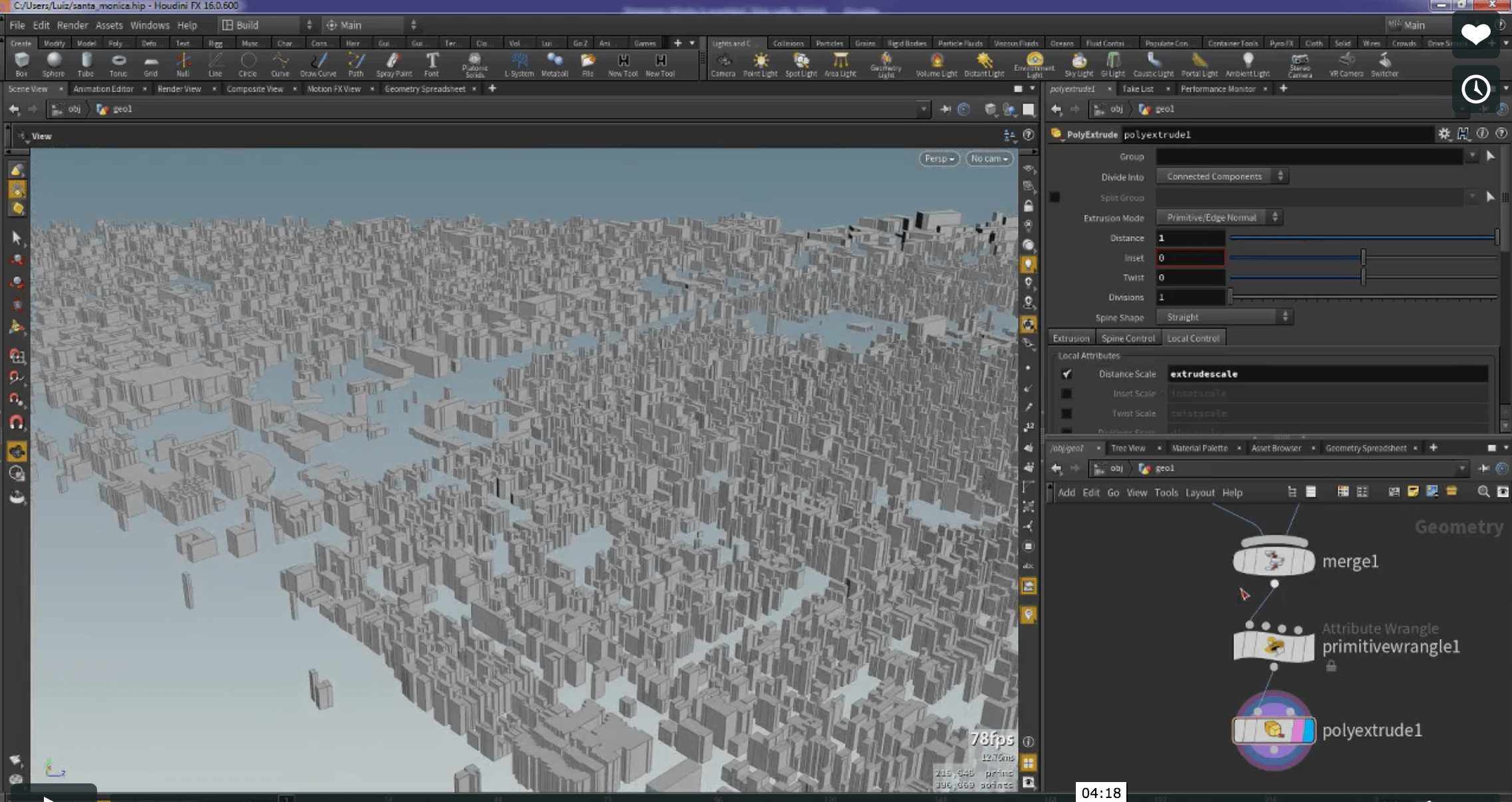
If you’re looking to build a realistic model of a city, Houdini’s 3 OSM Plugins: OSM Importer, OSM Filter, and OSM Buildings allow you to pull data from the Open Street Map database (a global open database library), and then generate 3D extrusions based on the real-world map data. SideFX: https://bit.ly/2KaNrBlWhat’s also interesting about the OSM plugins is that the building models can even be generated in Houdini based on their real-world parameters, such as the number of stories each building has (providing the region you’re importing has the appropriate metadata).
You can use this for pre-vis work of an area your studio is shooting in, or you could also use it to simply help lay a foundation for developing a CG city.
4. Vertex Animation Textures
Using Vertex Animation Textures, you can have better playback of vertex shaders in a high-res environment. According to the game dev toolset overview, it currently supports:
Consistent Topology throughout the Simulation (Soft)
Packed Primitive style Rigid Body Simulation (Rigid)
Changing Topology throughout the Simulation (Fluid)
Camera facing cards, points moving through space (Sprite)
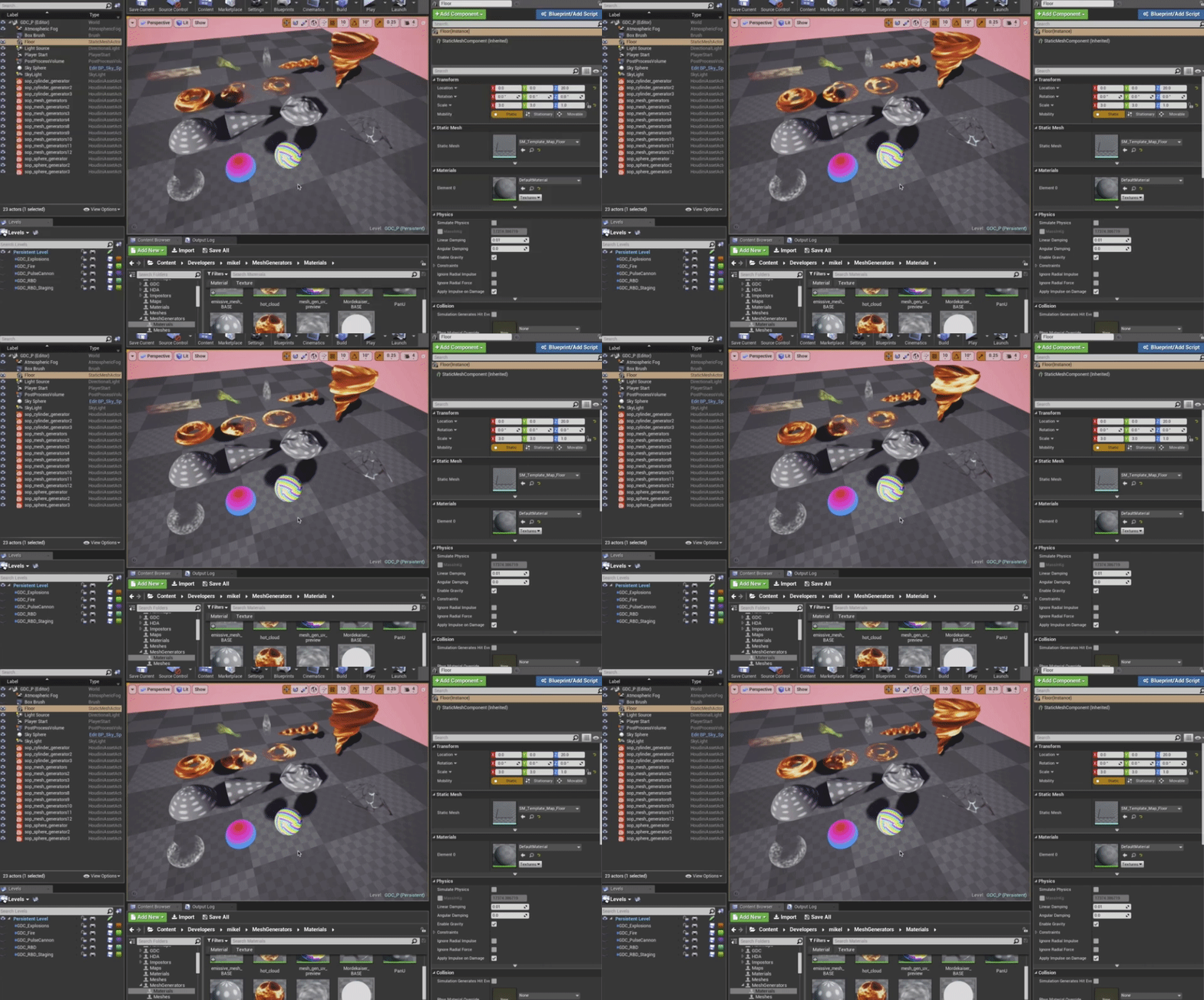
See it in action below:SideFX: https://bit.ly/2K8MnOFFor a full demo on how the Real-time VFX Mesh Generators work, and how you can import them into your workflow, check out this tutorial.
How to Learn Houdini Game Development Toolset
Having over 90 tools at your disposal, the Game Development Toolset can be a little overwhelming, which is why they created an excellent training resource called “Houdini for Game Development.”
A series of tutorials explains how you can best utilize the Game Development Toolset to aid in your game dev VFX pipeline, and you can check out the intro video below to get an idea of what’s available.
First time here? ActionVFX creates action stock footage for VFX and filmmaking. (We also have some greatfree stuff!)
Remember to connect with us on our social networks to stay updated on our latest news, giveaways, announcements and more!