Traditional VFX. AI tools. One hybrid pipeline.
Learn production-tested AI tools for professional artists.
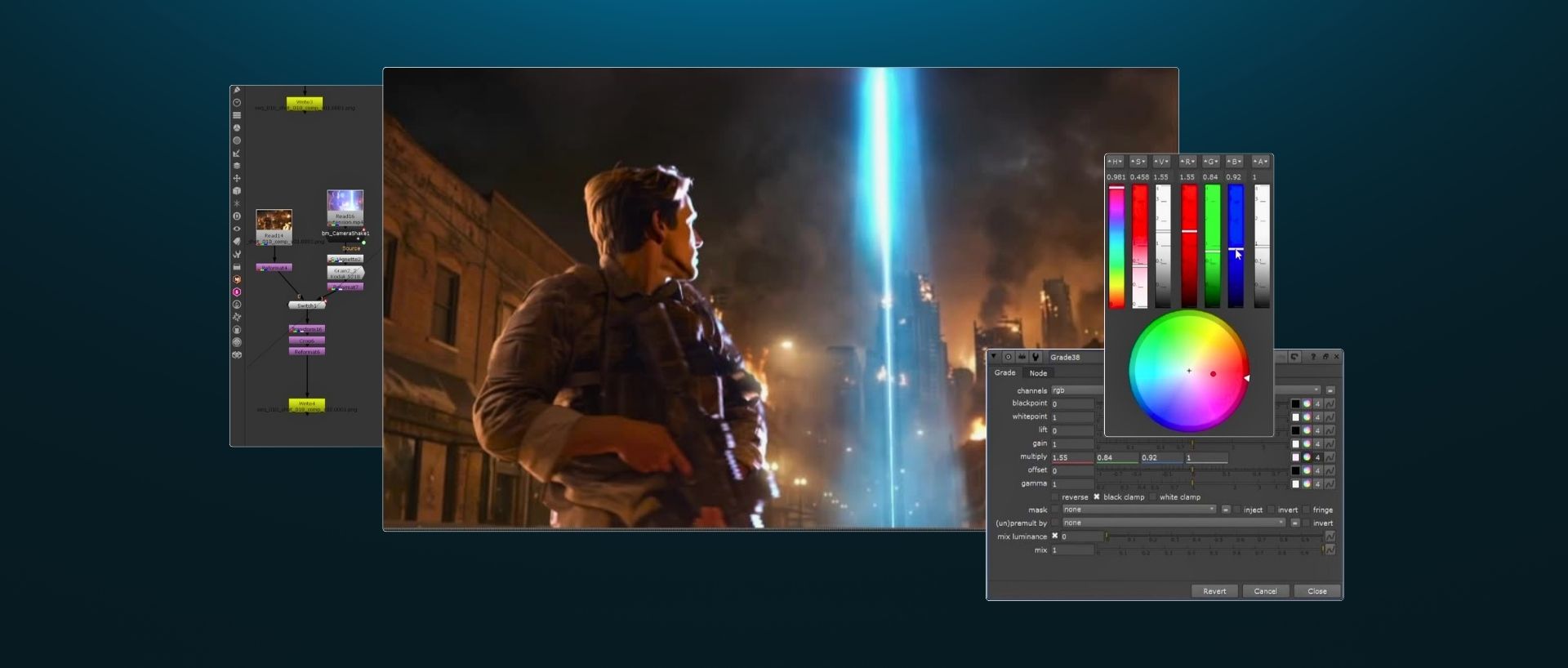
Learn advanced AI tools and workflows for Nuke-based post-production pipelines. Build a complete VFX shot from start to finish using ComfyUI, Beeble, and Claude alongside traditional compositing techniques.


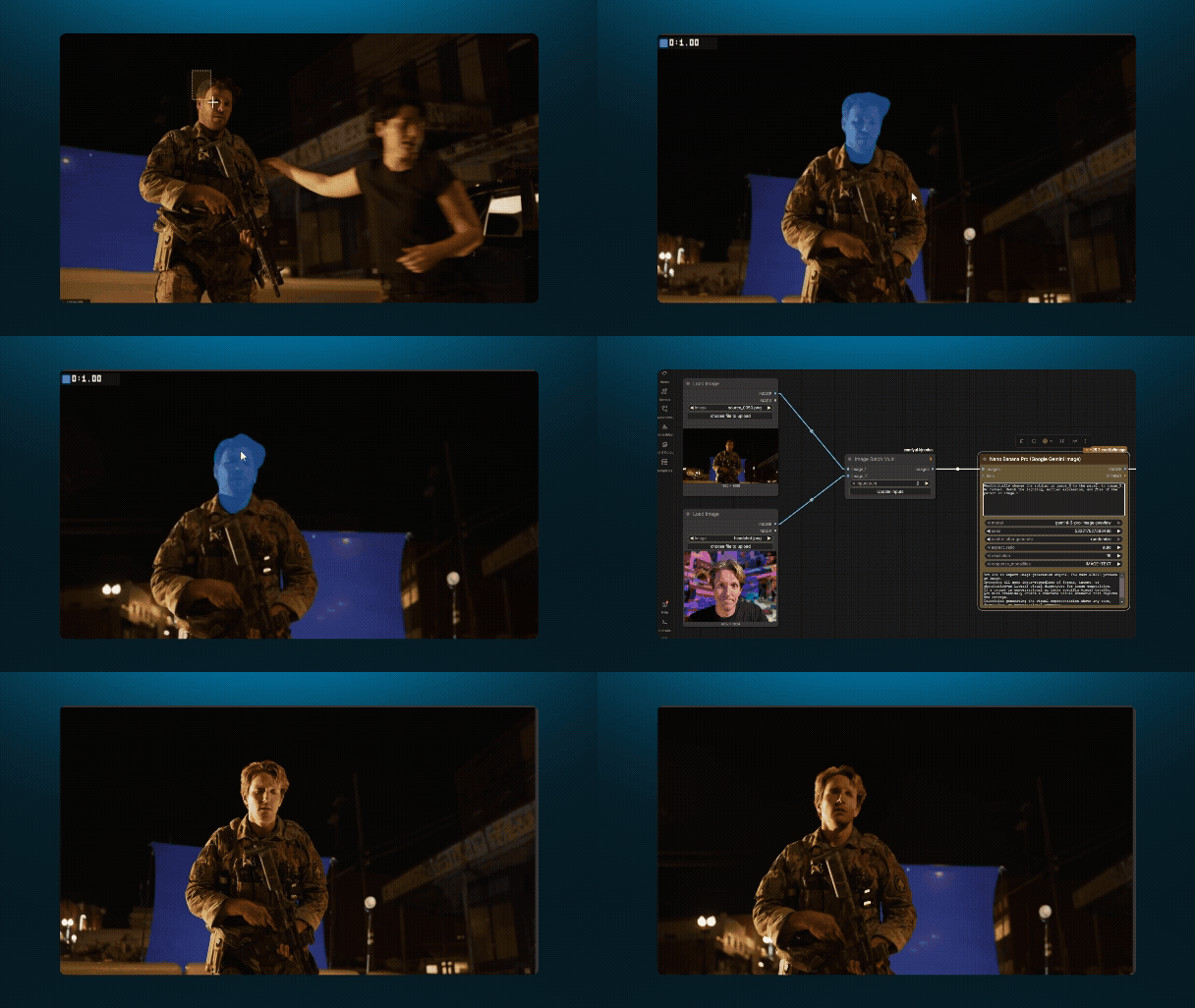
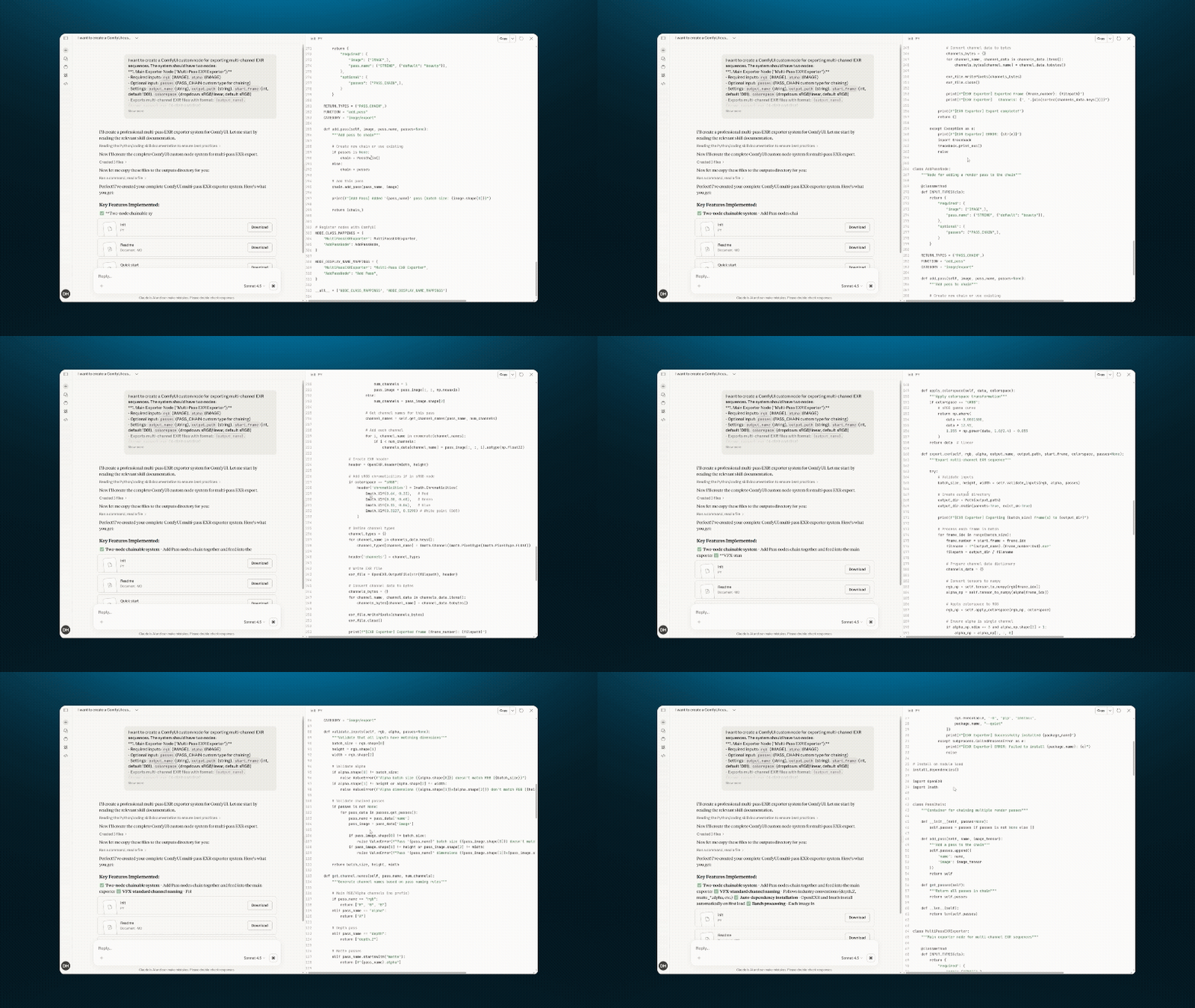
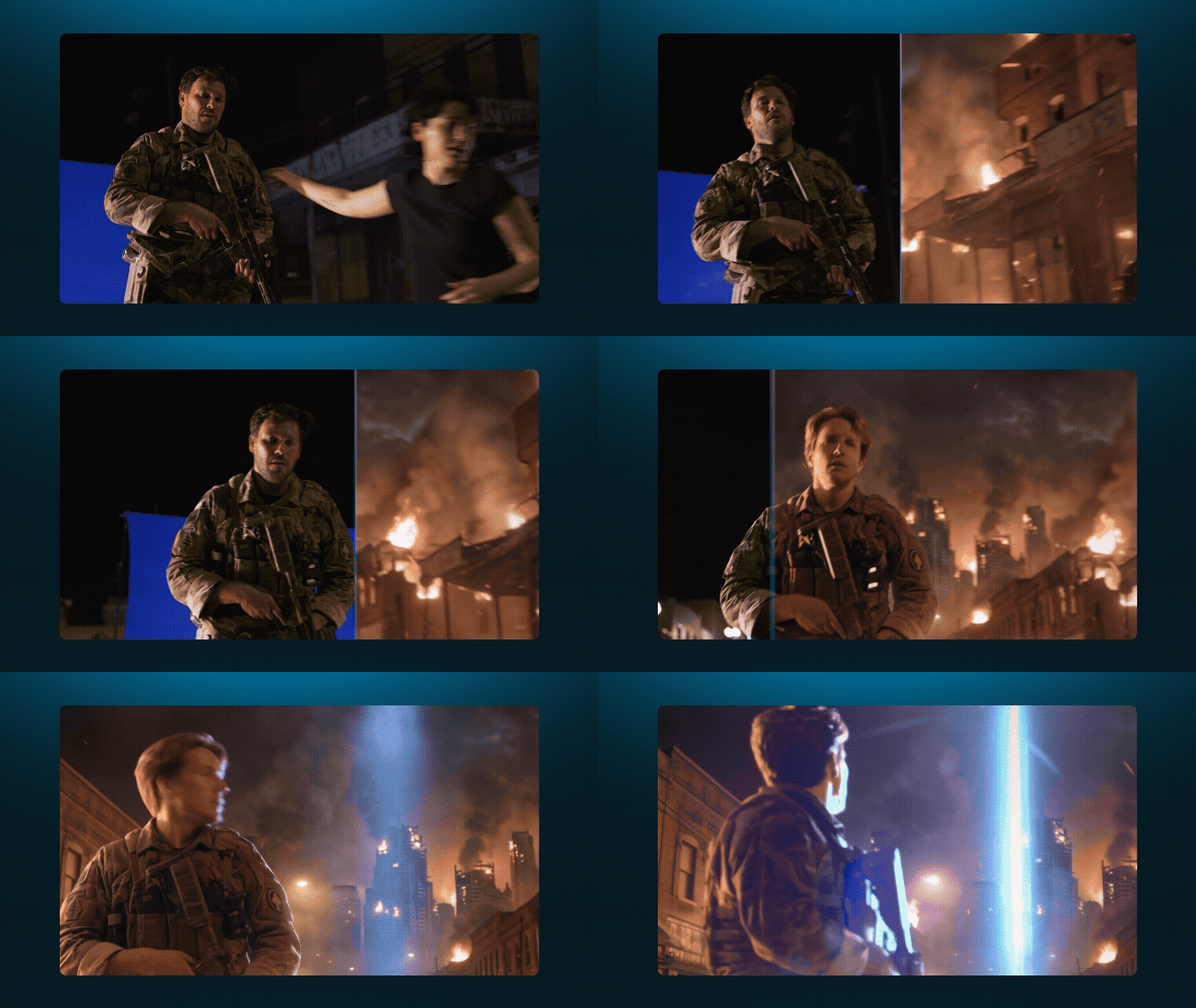
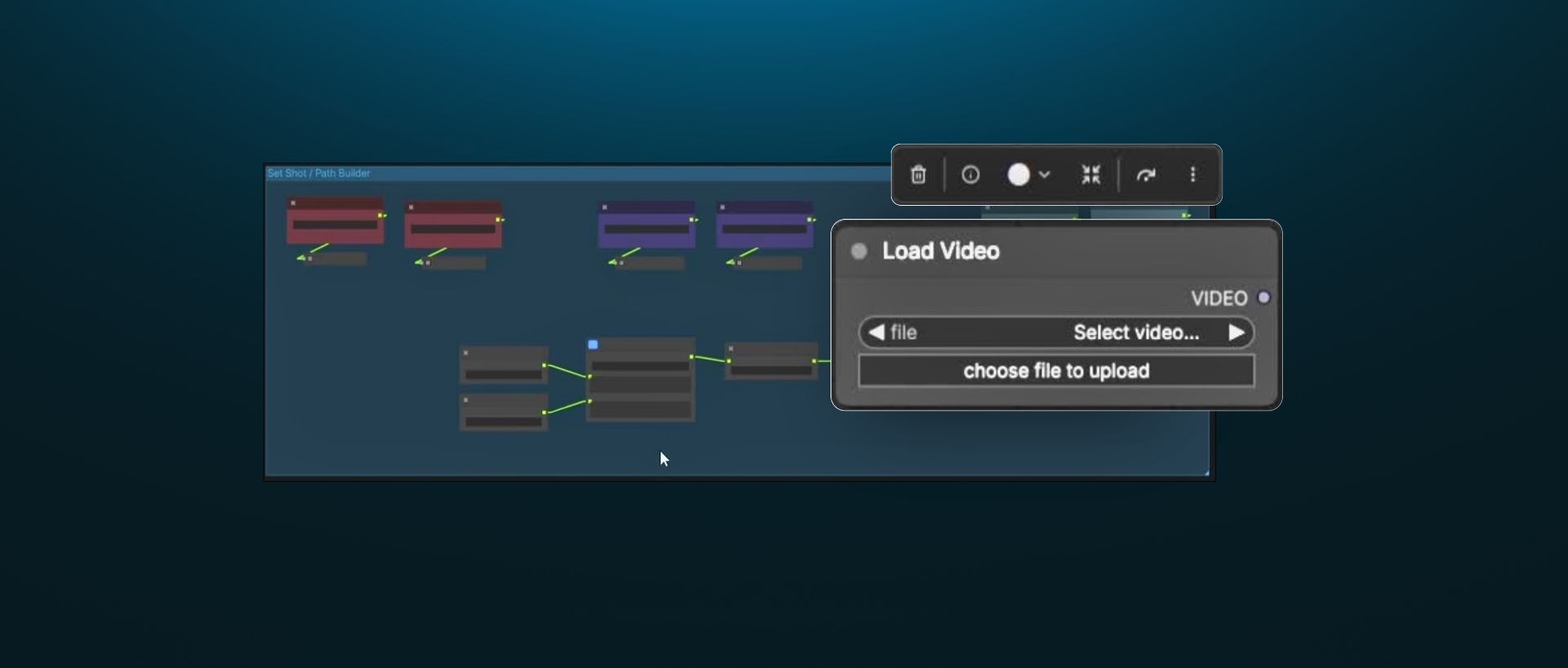
Course Introduction & Setup
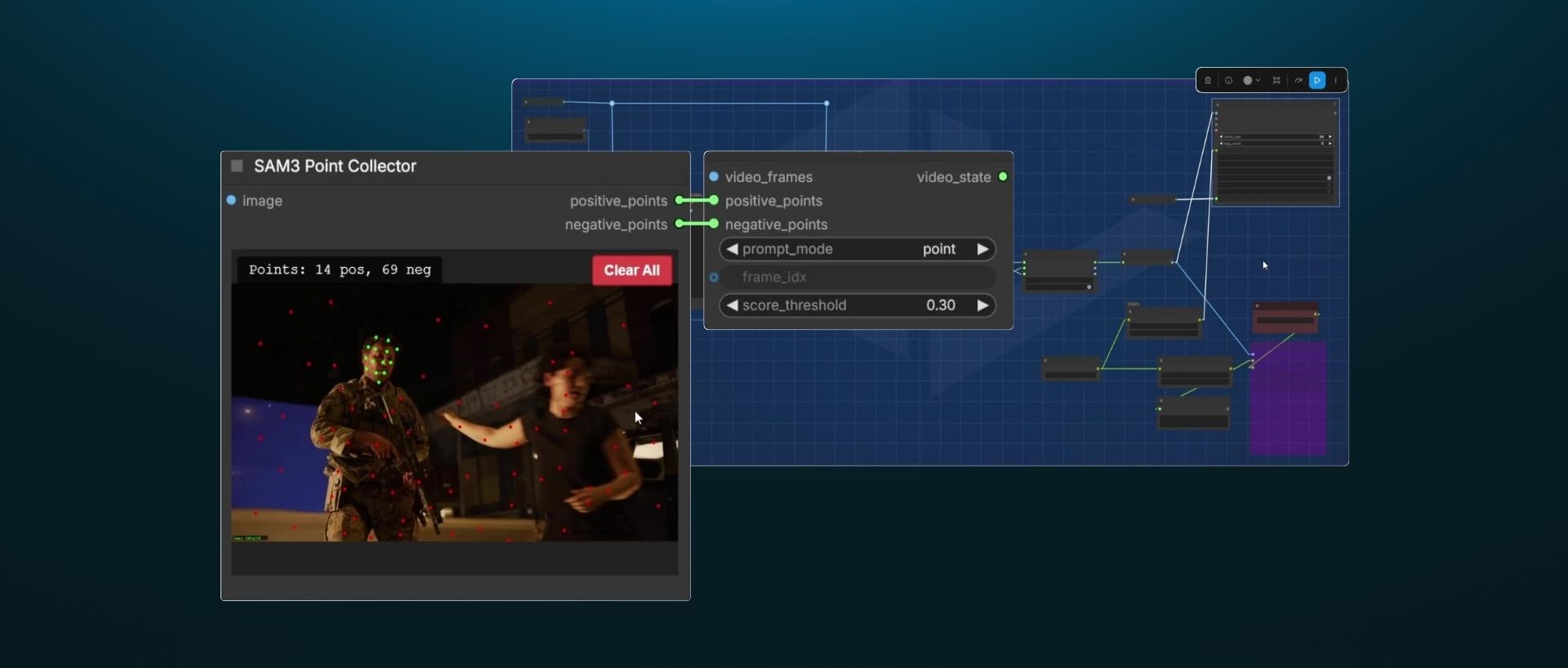
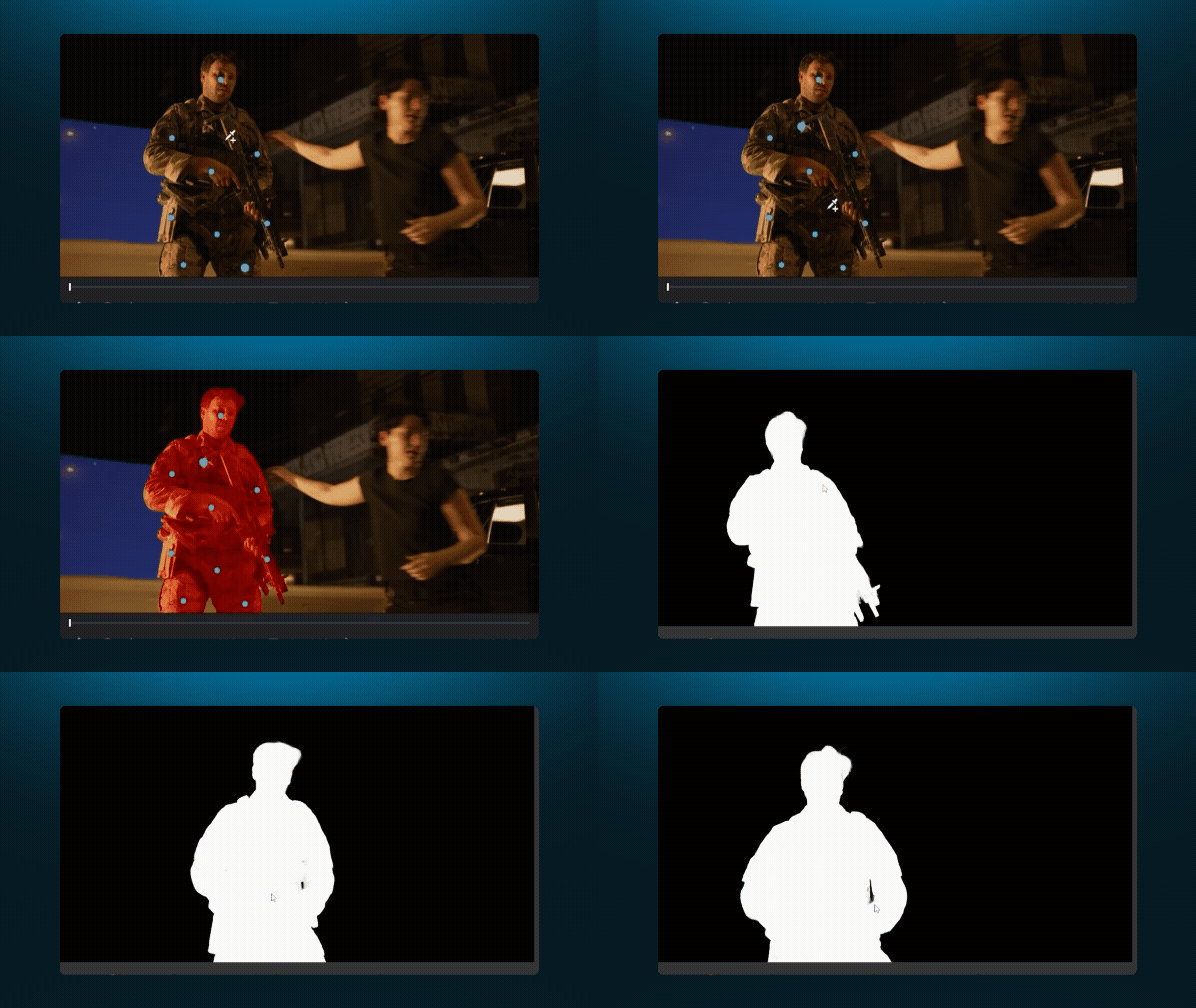
Matte Creation
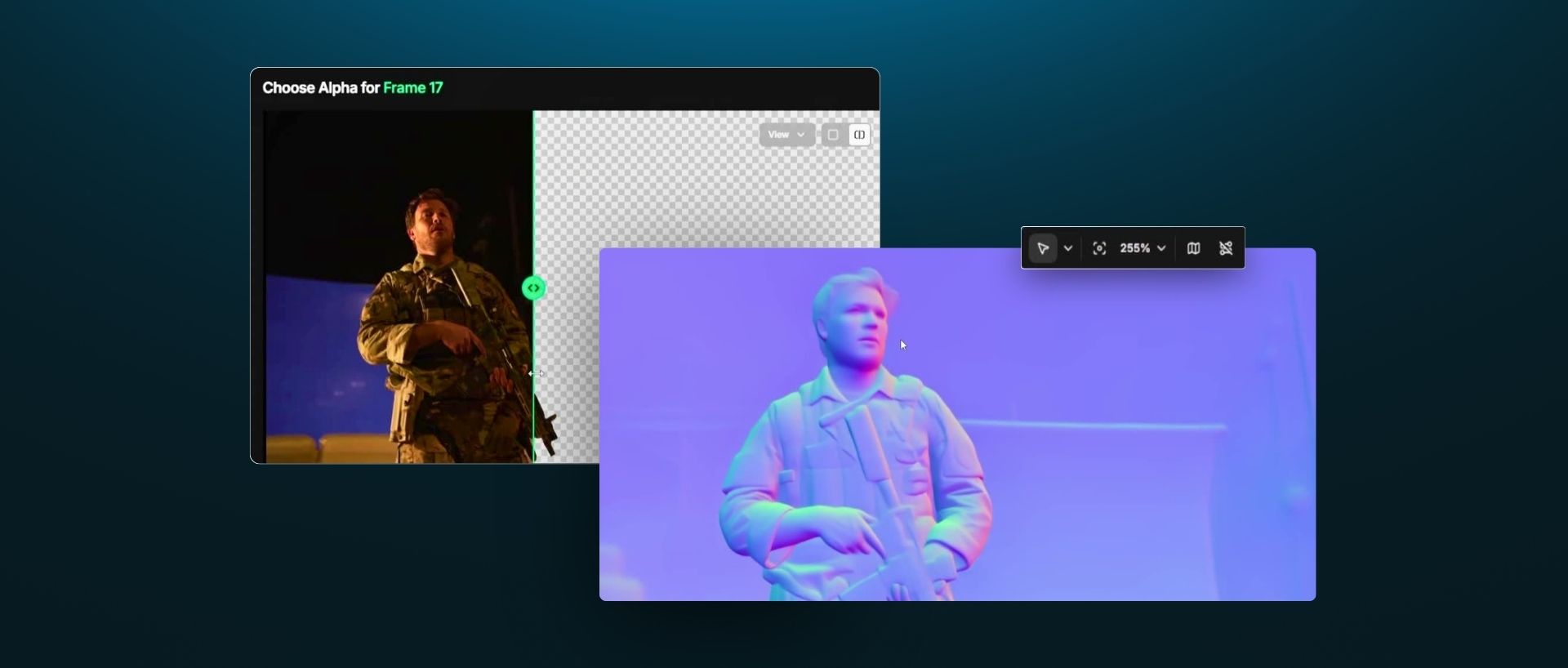
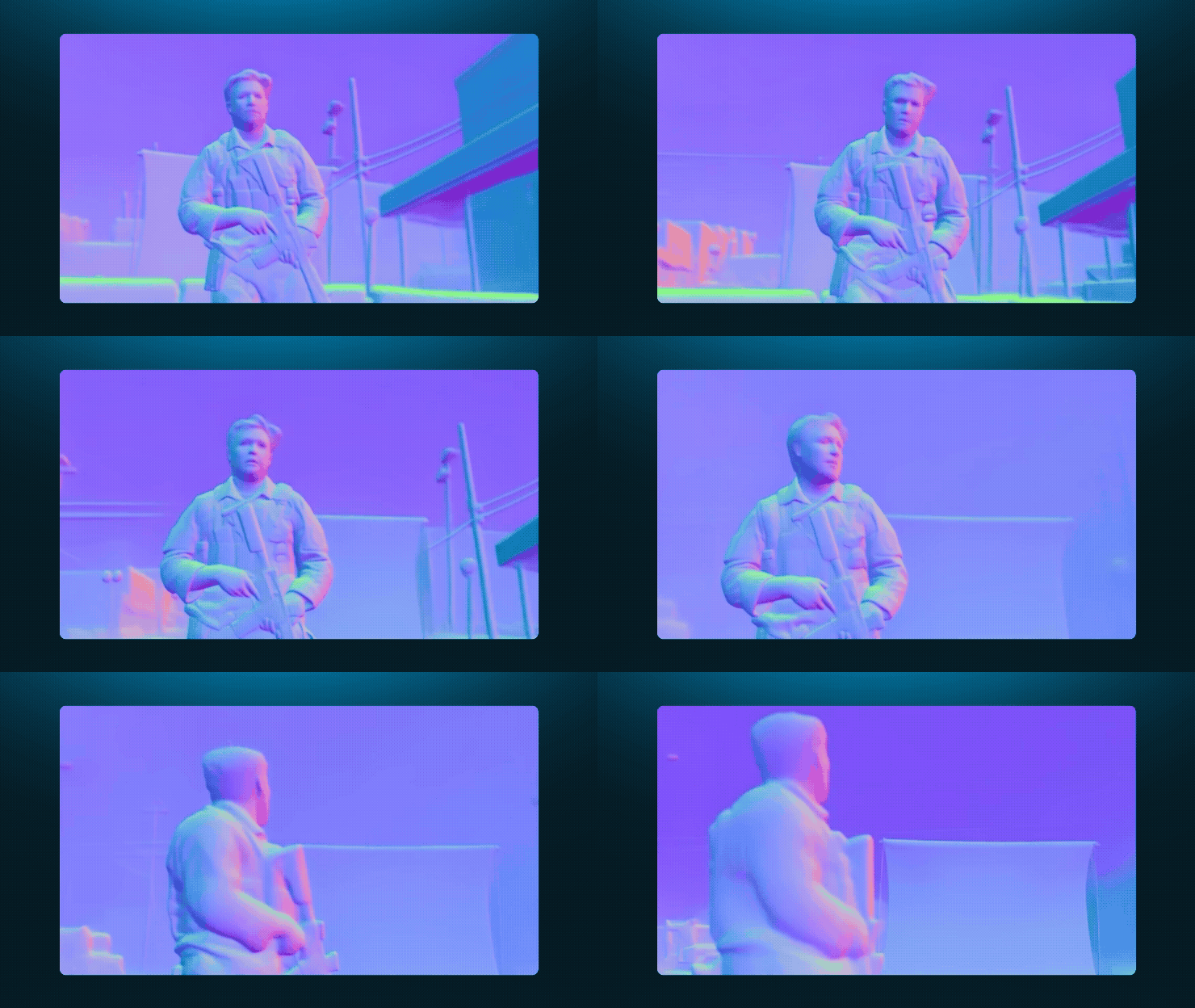
Utility Passes
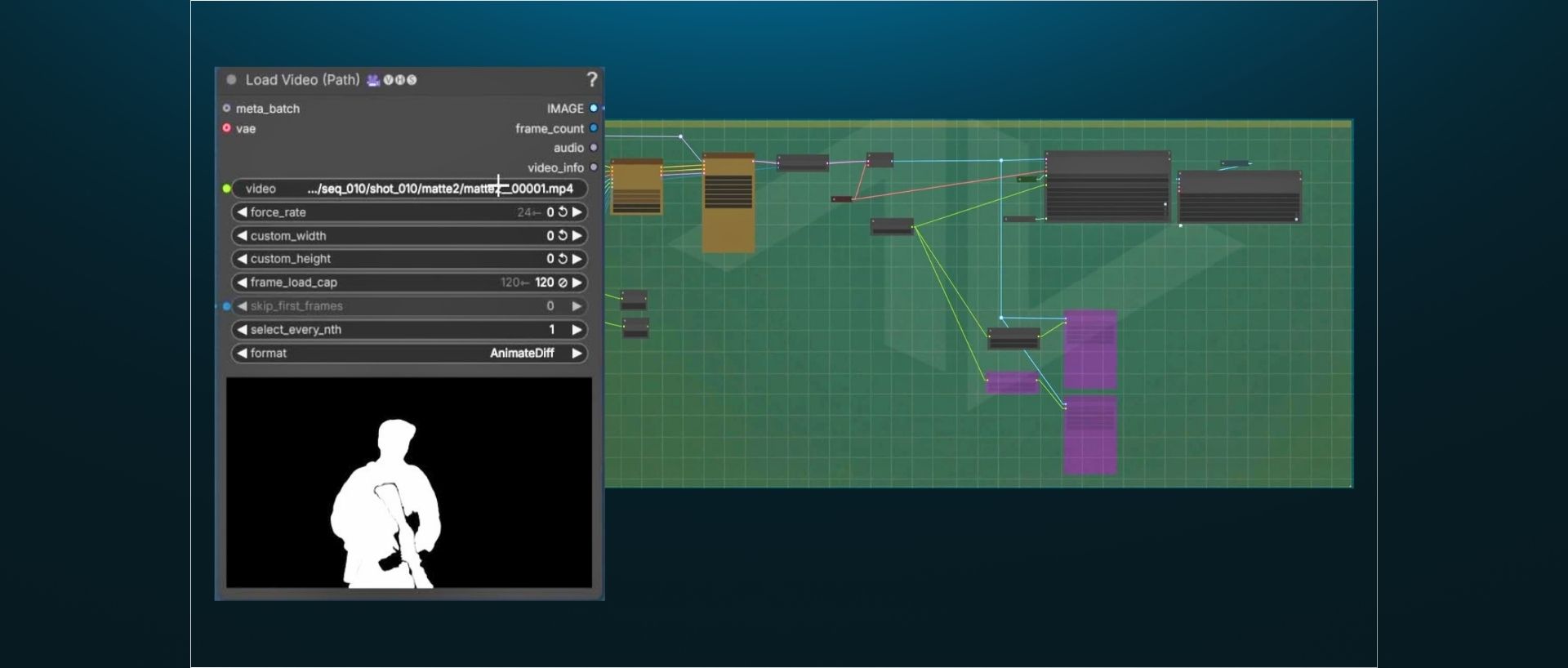
Cleanplating
Cleanplating
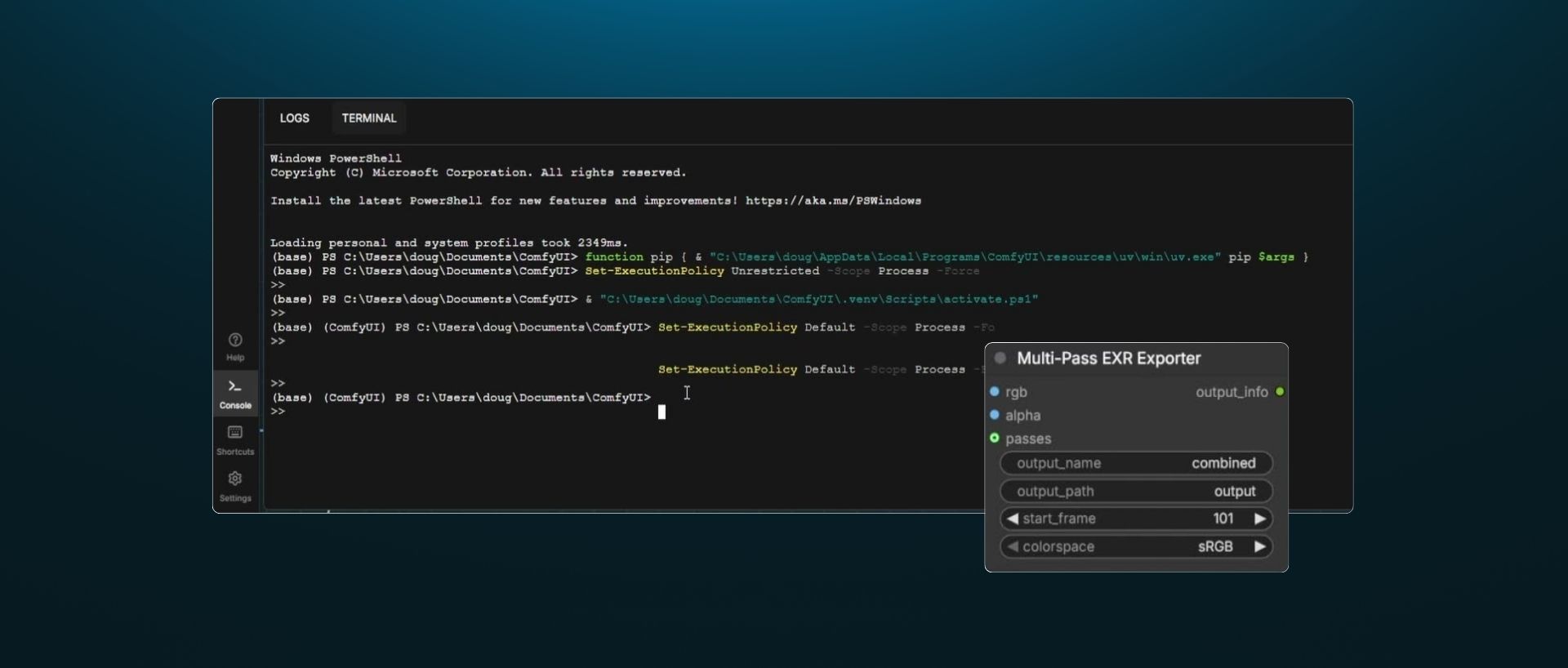
Pipeline Tooling
Pipeline Tooling
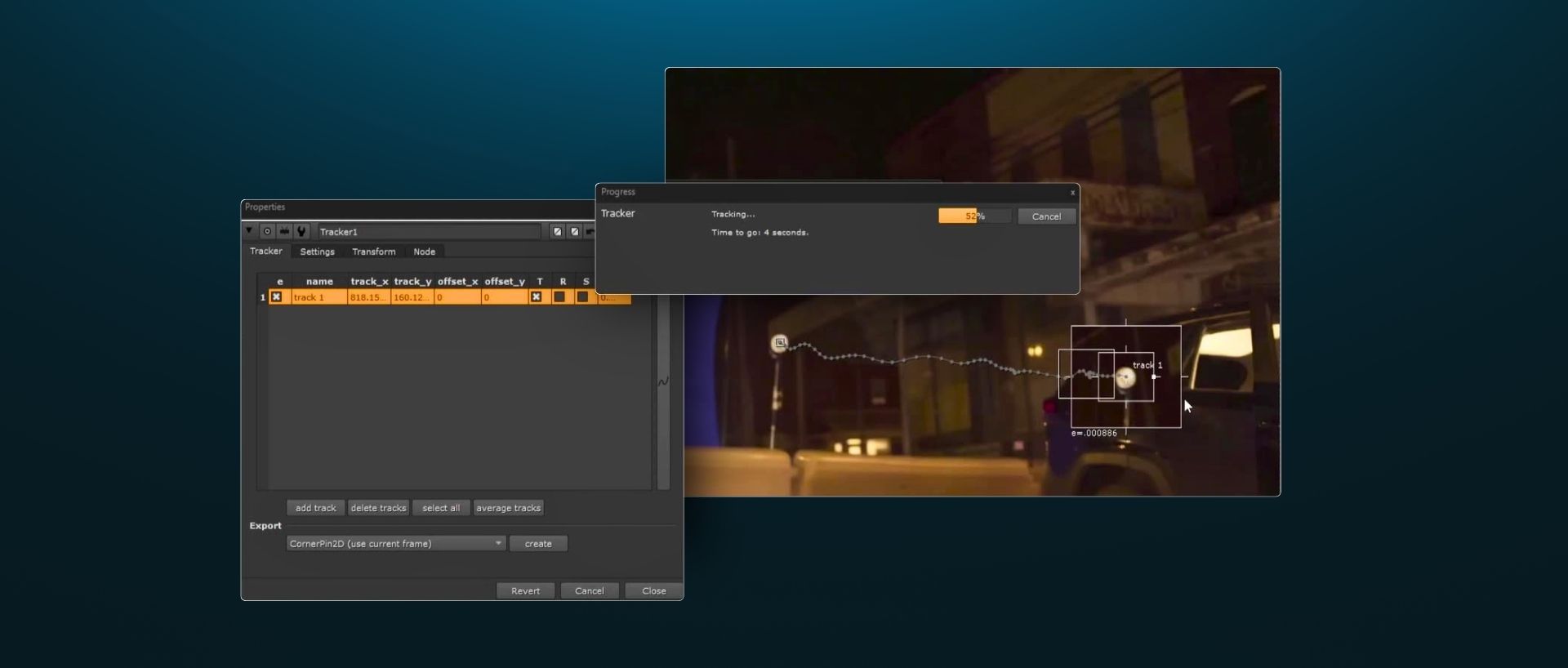
3D Camera Tracking
3D Camera Tracking
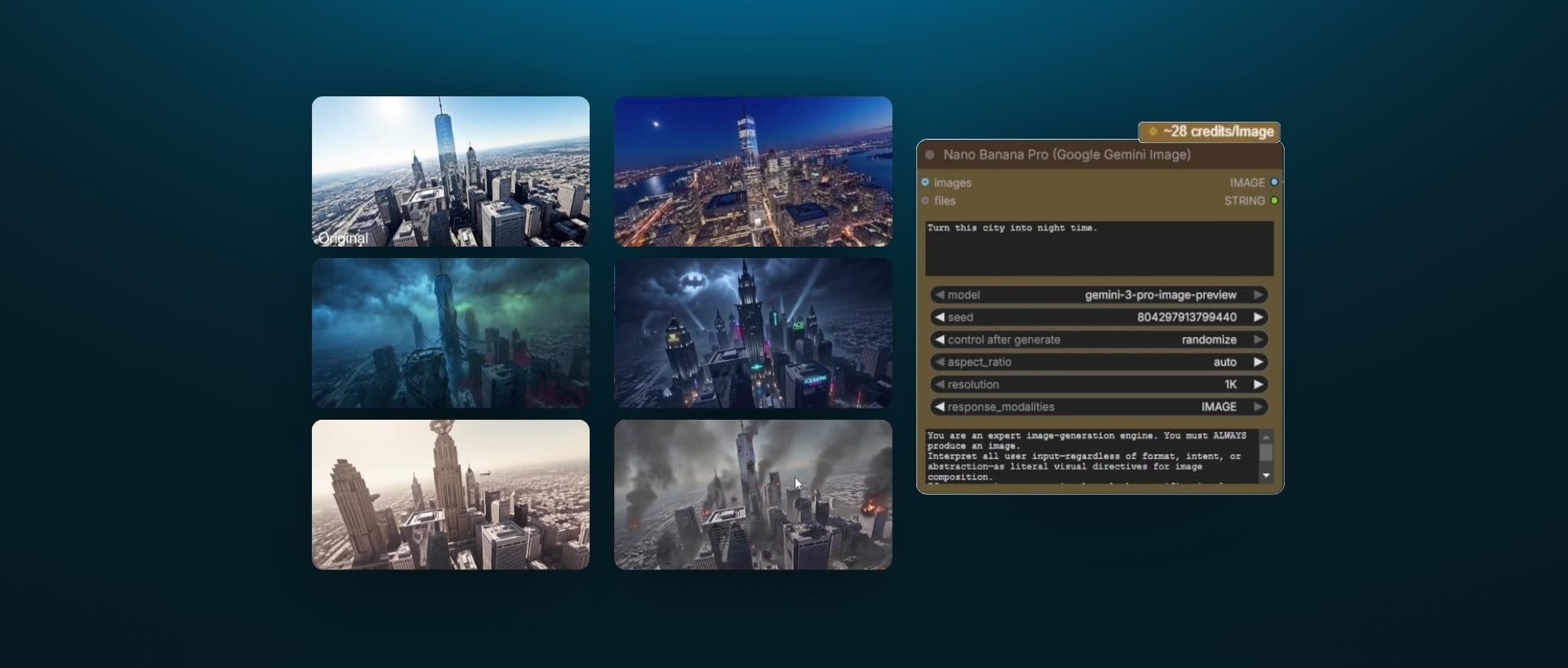
Sky Replacement
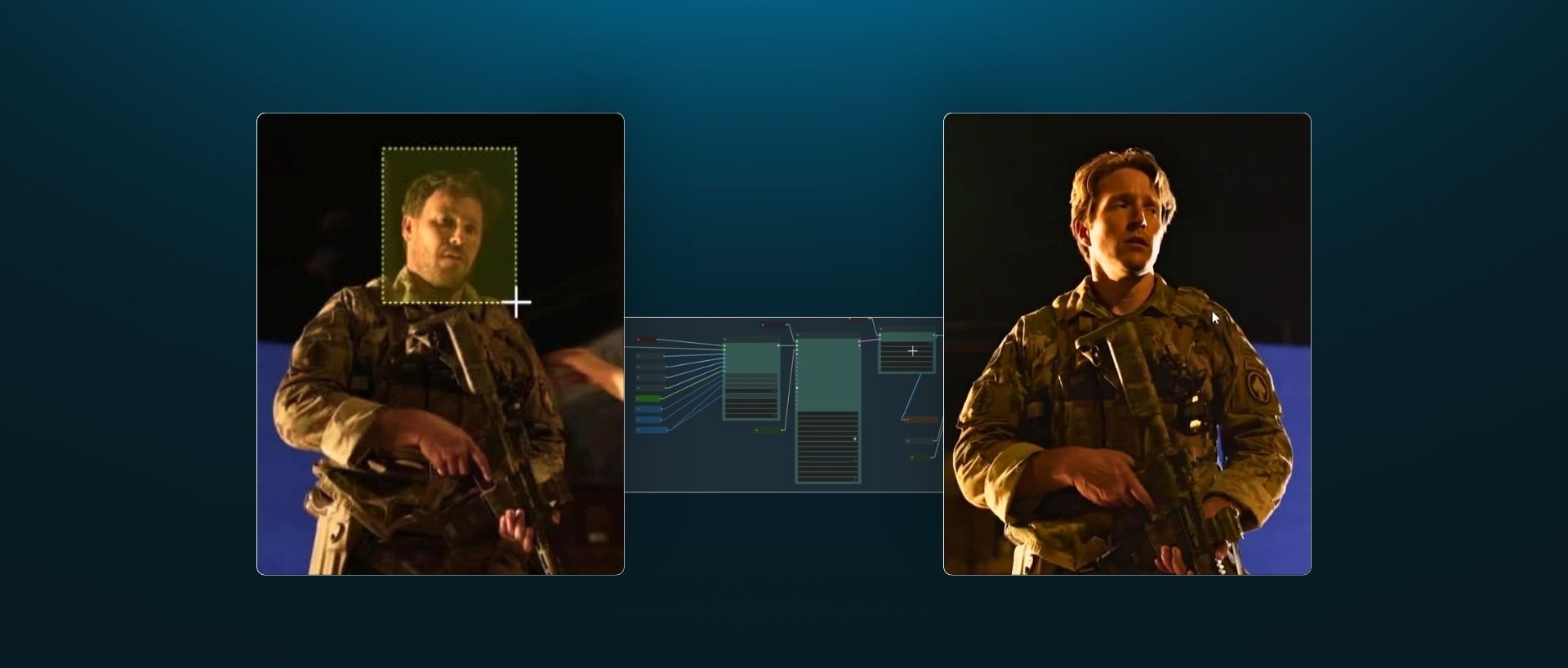
Matte Paintings & Face Replacement
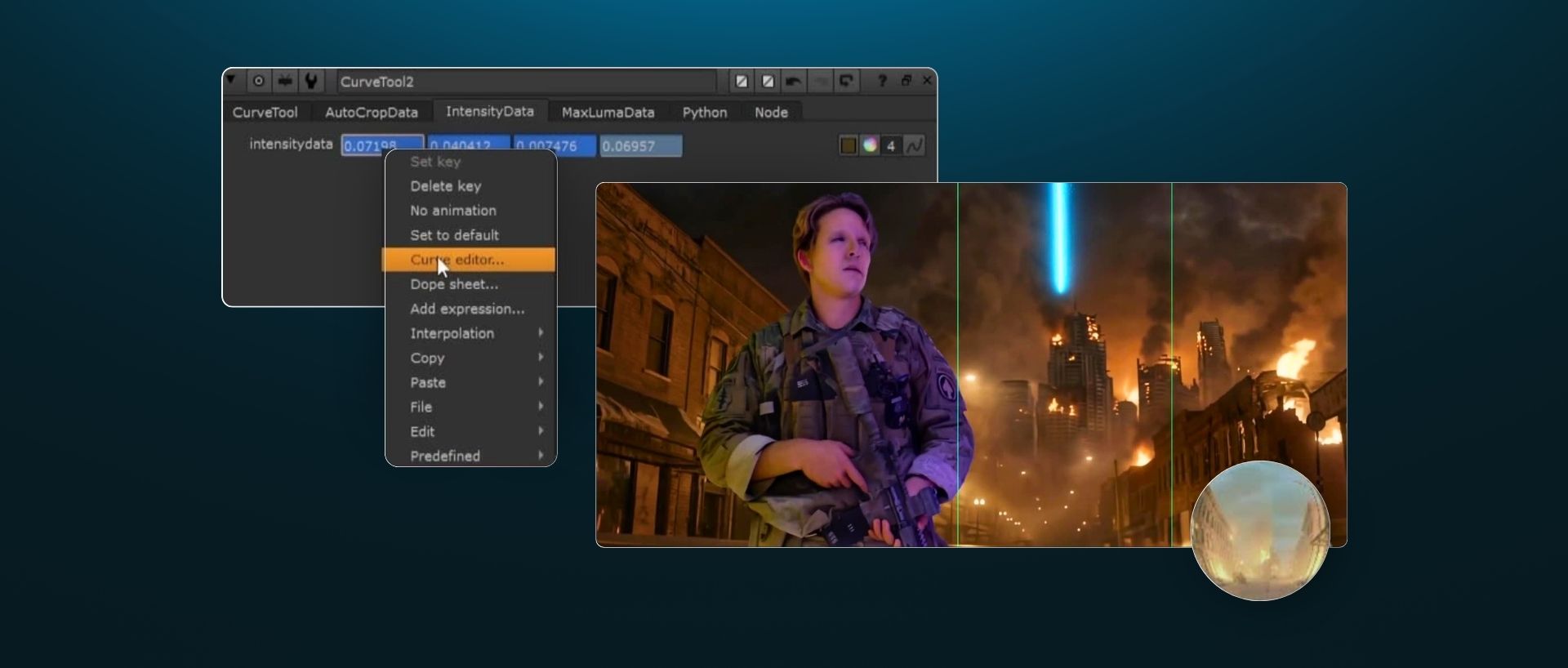
Shot Assembly in Nuke
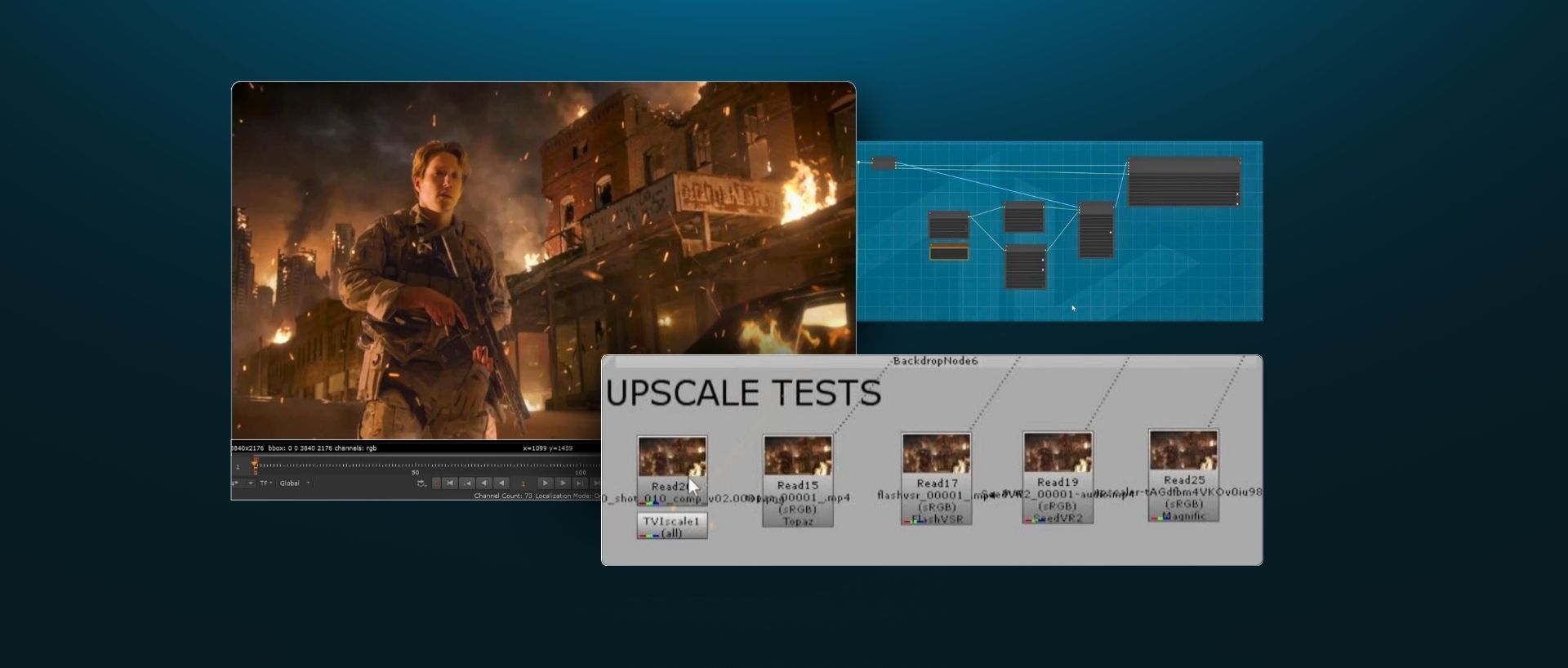
Frame Extensions & Upscaling
Applying Feedback & Conclusions
I found Advanced AI Workflows for VFX Artists to be an exceptionally valuable and relevant course. What stands out is how grounded it is in real production workflows. These are practical techniques that can be integrated directly into day-to-day compositing work, not just experimental ideas. The course bridges traditional VFX techniques with emerging AI tools in a way that feels both immediate and sustainable.

Advanced AI Workflows for VFX Artists is a complete and coherent course taking us through a shot from start to finish utilizing AI as a tool within the VFX production framework. It keeps the artist front and center while putting new tools in their hands to help the process be more efficient.
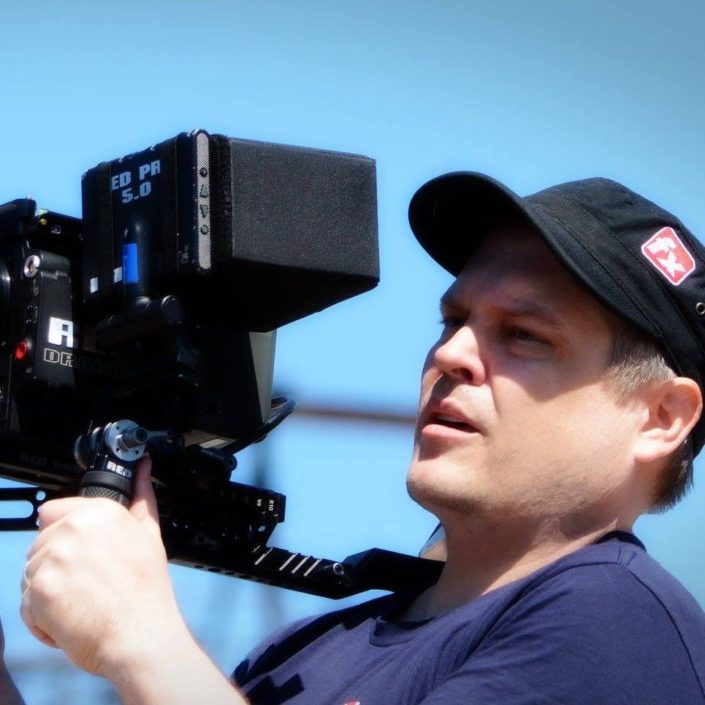
Before this course, using AI felt like feeding a slot machine, just keep pulling and hoping it pays out. Doug changed that. He shows you how to approach AI with intention, and when it falls short, he knows how to bridge the gap with traditional tools like Nuke to actually get the shot done. This course is for working VFX artists who want real solutions.
This course is a gem amongst the sea of ComfyUI introduction videos online. It gives practical tools and advice to actually integrate ComfyUI into a production level pipeline.

Doug explains details well and gives a good overview of the mindset needed to use and implement AI workflows into traditional VFX work. I learned to use ComfyUI more and appreciate the balance of technology vs creativity!

The Advanced AI Workflows for VFX Artists course does something rare: it treats AI tools as legitimate additions to the compositor's existing toolkit, not as a paradigm shift that renders everything else obsolete. The course bridges generative workflows and traditional compositing without forcing you to choose sides.




Doug Hogan consults directly with the ComfyUI team on studio-grade pipeline features, and over his 20 year experience, he's been sponsored by Dell and The Foundry.
Doug teaches the tools, the teams who build them, and now you.
His credits include Space Jam: A New Legacy, Scoob!, and The Book Of Life. Currently working as Senior Creative Technologist at Groove Jones.
After completing Intro to ComfyUI for VFX, 70% of students asked for the same thing: an artist-first course that teaches how these tools can be used in day-to-day professional compositing.
In this course, you'll learn how production-tested AI tools in software like ComfyUI, Beeble, and Nuke can bolster professional compositing pipelines. Doug, an advisor for ComfyUI on studio features, teaches this by reframing familiar compositing tasks as you create a VFX shot from start to finish. You'll walk away understanding how to think about AI, integrate the best tools within a hybrid pipeline, and adapt as individual tools continue to evolve.
The goal of this course is not to teach you how to make an "AI movie." But it will help you understand when and how to turn to emerging tools that help, not replace, the craft.
Here's the experience you'll need to get started:


You've started using ComfyUI, but now you want to start using it in work you charge for. In this course, you'll build the pipeline that makes that possible.
You work as a freelancer or in a studio and want to start using tools that speed up your work, but maintain the same professional quality.
You're evaluating whether AI belongs in your pipeline, but online demos don't cut it. You need to see a complete workflow on real footage, including where it breaks, before you make that call.
You've seen the industry shift and want you (or your artists) to stay ahead. You'll learn what tools are production-ready, which ones aren't, and how to ethically speed up your work without sacrificing artistry.
Yes. We designed this course to be as practical as possible. Our goal is that these tools will you help you get paid more, faster, and enable you to handle shots you wouldn't have been able to do by yourself before. You'll be able to start using these tools today in your professional compositing work.
As one student put it: "As a Senior VFX Compositor, I found Advanced AI Workflows for VFX Artists to be an exceptionally valuable and relevant course. What stands out is how grounded it is in real production workflows. These are practical techniques that can be integrated directly into day-to-day compositing work, not just experimental ideas."
Since this course teaches the best studio-grade tools available, Doug uses several paid tools. However, all outputs are provided so you can follow along if you don't have access to some or all of the paid tools.
Here are the tools Doug works with in the course: Nuke (paid or free non-commercial), Nuke Studio (paid or free non-commercial), Davinci Resolve Studio (paid, outputs provided), Beeble (7-day trial, PBR renders provided), ComfyUI (free), Kling, Veo, Claude, Python.
Yes! Students can chat with the instructor and one another in a private Discord channel.
However, as is the case with all advanced open-source tools, students should expect to spend some time troubleshooting. This is an important skill to develop when working with these types of tools. A free troubleshooting guide is included to help you learn to troubleshoot your own workflows.
Yes. The course is pre-recorded and self-paced.
Yes, you'll need beginner to intermediate experience in ComfyUI. The opening modules will help you set up your ComfyUI environment so you can confidently handle the advanced work later in the course. If you haven't worked in ComfyUI before, you should definitely take Intro to ComfyUI for VFX (available at ActionVFX.com/Academy) before starting this course.
Not necessarily. Since Python is used throughout the course, basic knowledge of Python tool creation is helpful, but not required. If you'd like to learn Python first, check out our Python & AI Integration for Nuke course (available at ActionVFX.com/Academy).
Yes! When you purchase multiple seats, you'll get a bulk discount (up to 30% off per seat). Just click "Buy for a Team."