VFX for Filmmakers

Become the VFX Expert Your Film Needs

Plan, shoot, and composite client-ready VFX shots yourself .

Duration
10 hours
Release Date
August 4, 2026
After EffectsPhotoshopDavinci Resolve
Software Used
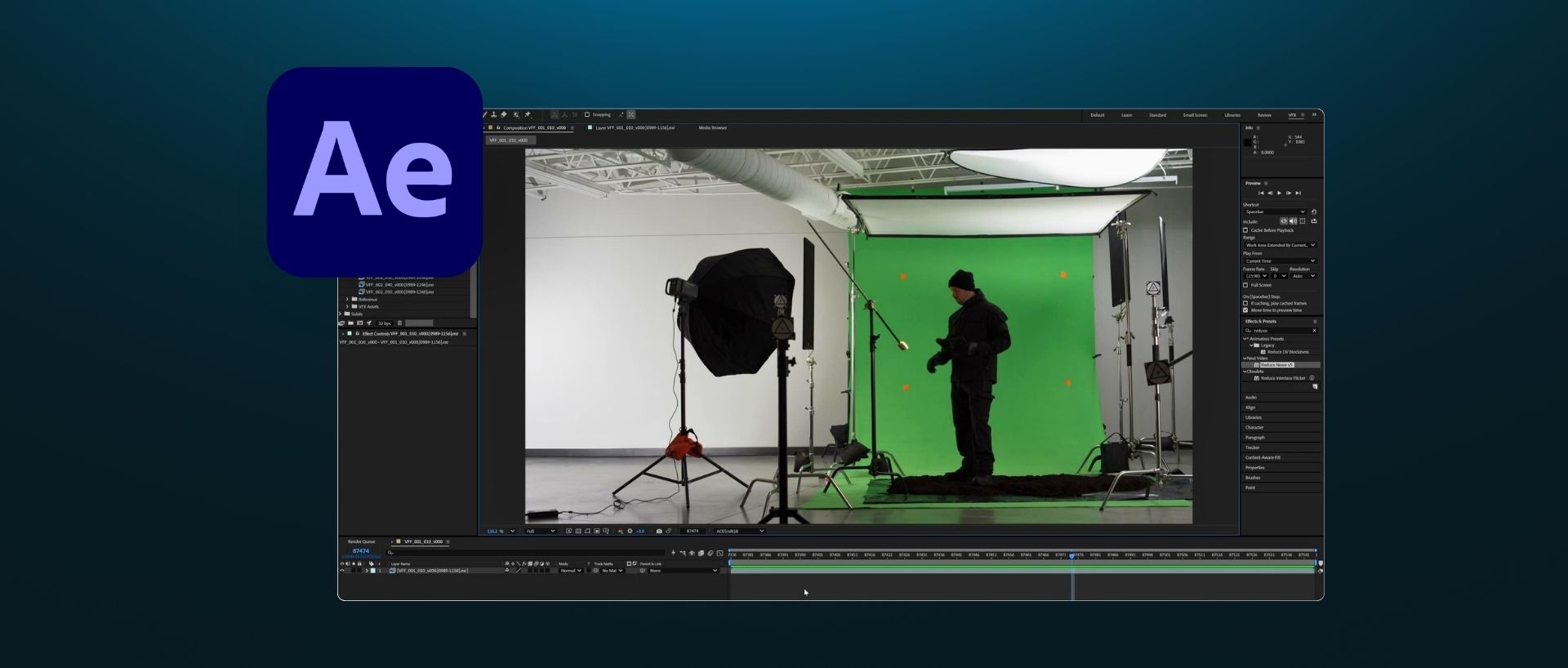
After Effects, Photoshop, Davinci Resolve
The Skills You'll Gain

Take professional VFX shots seamlessly from on-set execution to client-ready final delivery.
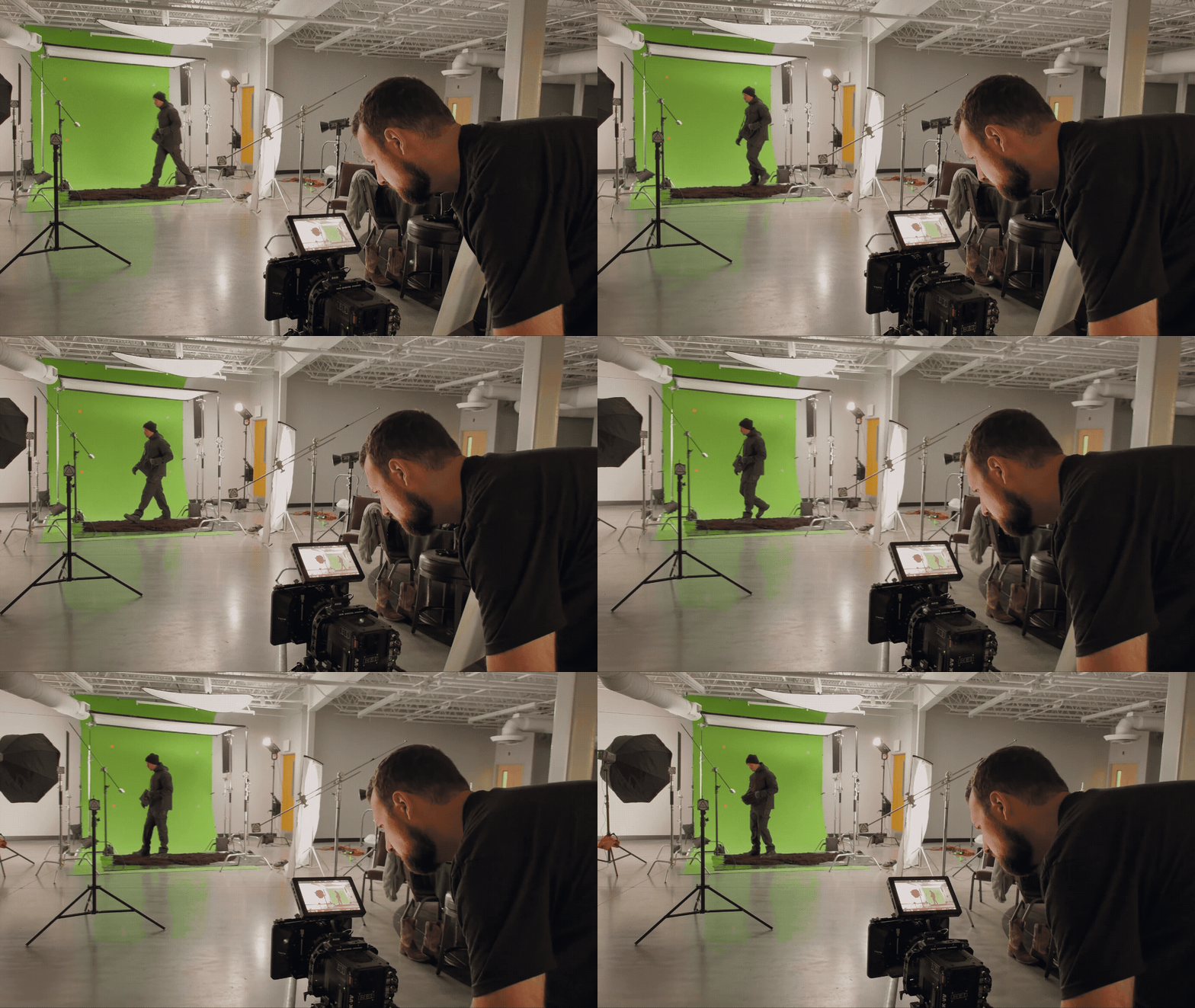
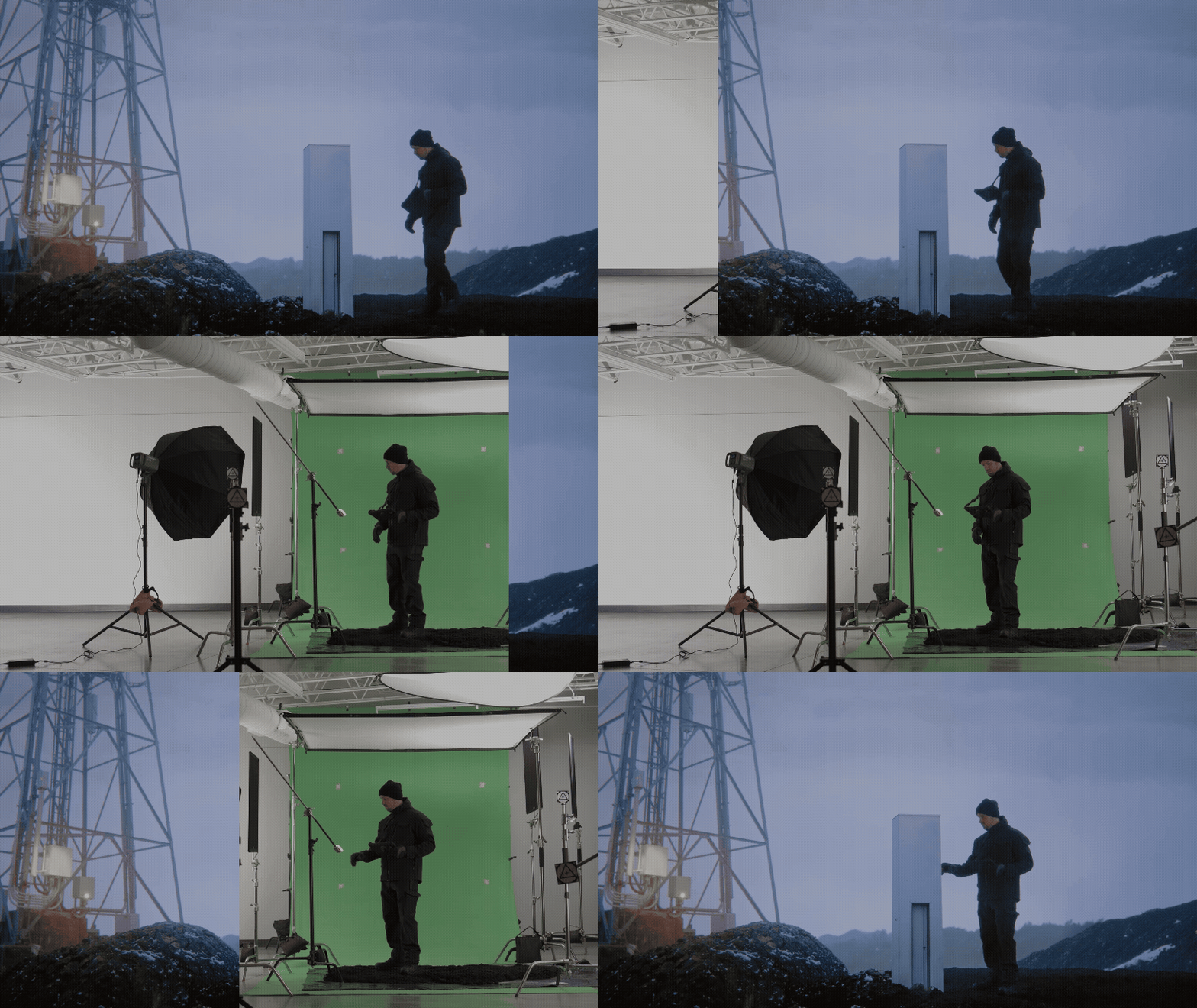
Plan and shoot clean footage on location that moves effortlessly into your post-production pipeline.
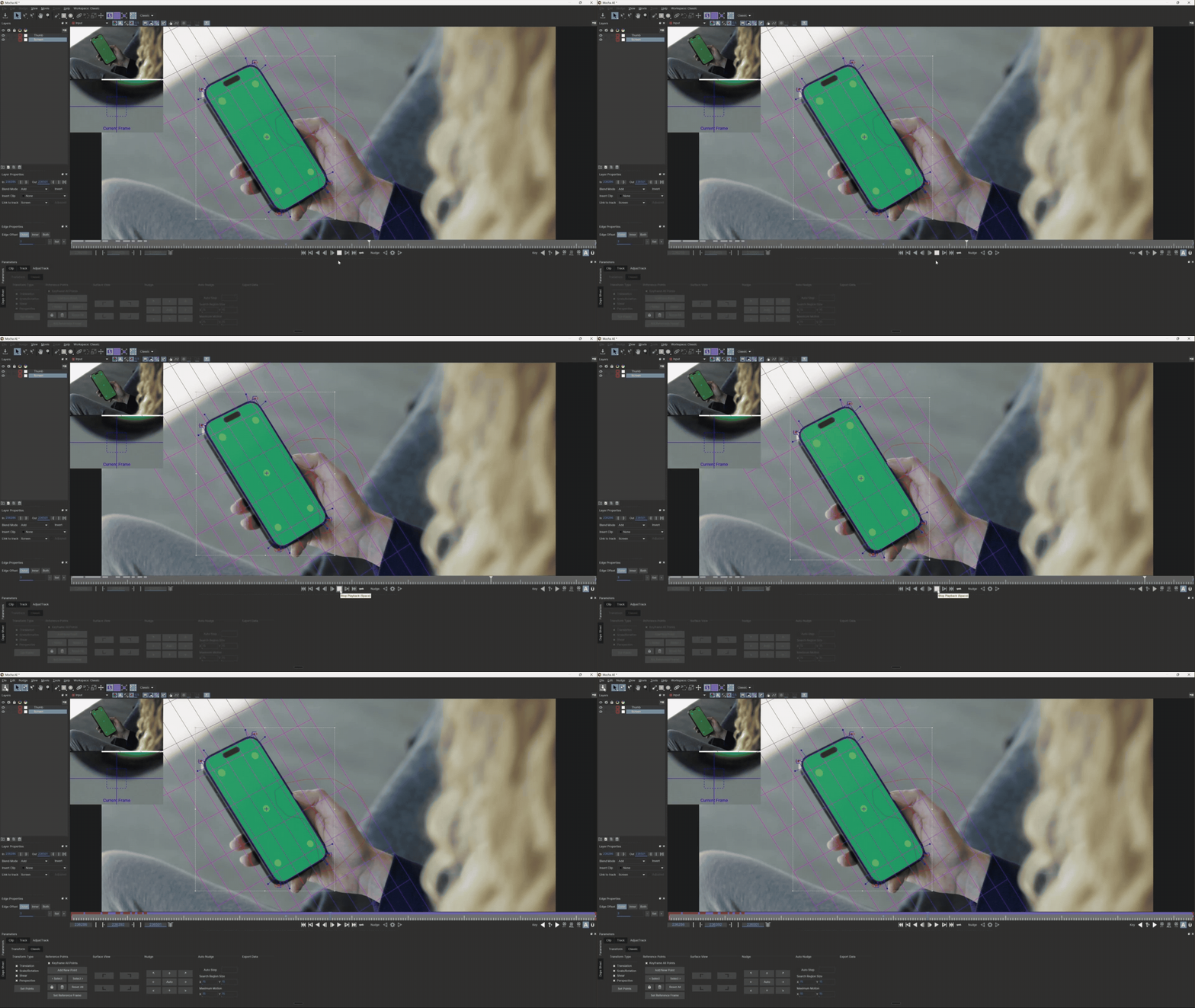
Remove unwanted objects, execute sky replacements, and track elements into complex, moving shots.
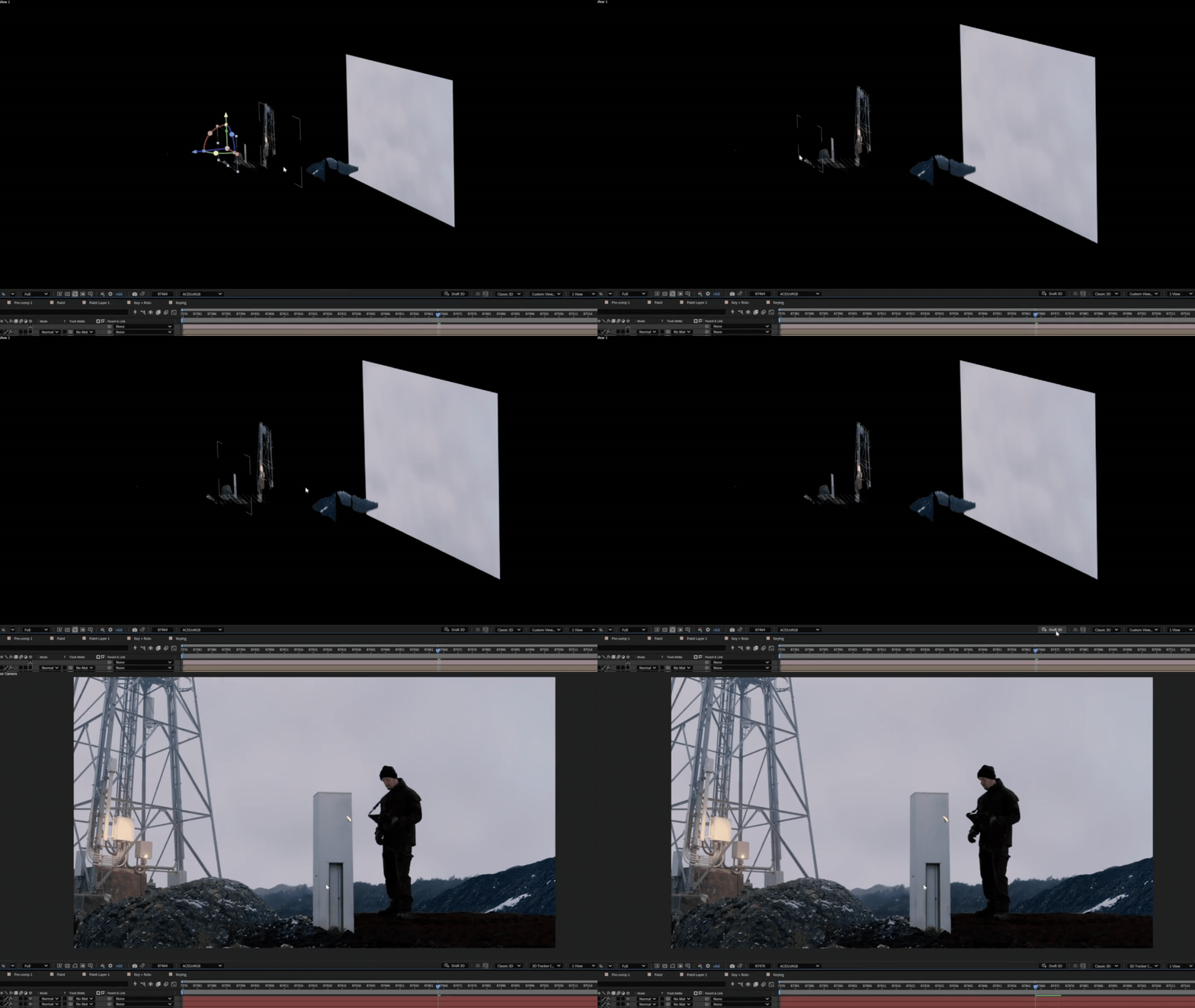
Construct realistic environments and digital set extensions with natural perspective, light, and depth.
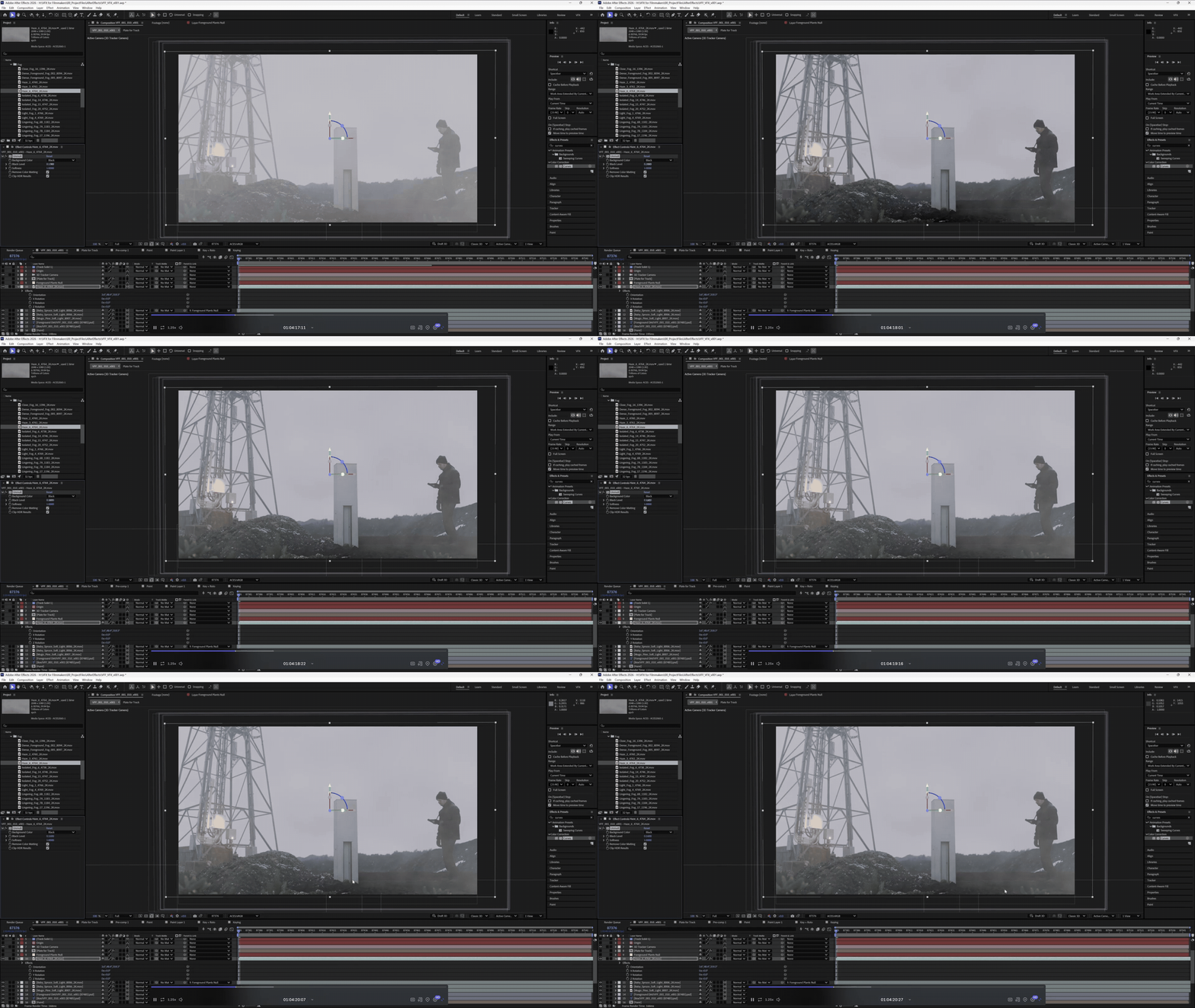
Integrate VFX elements with precise color matching, grain structure, and optical lens character for photorealistic results.
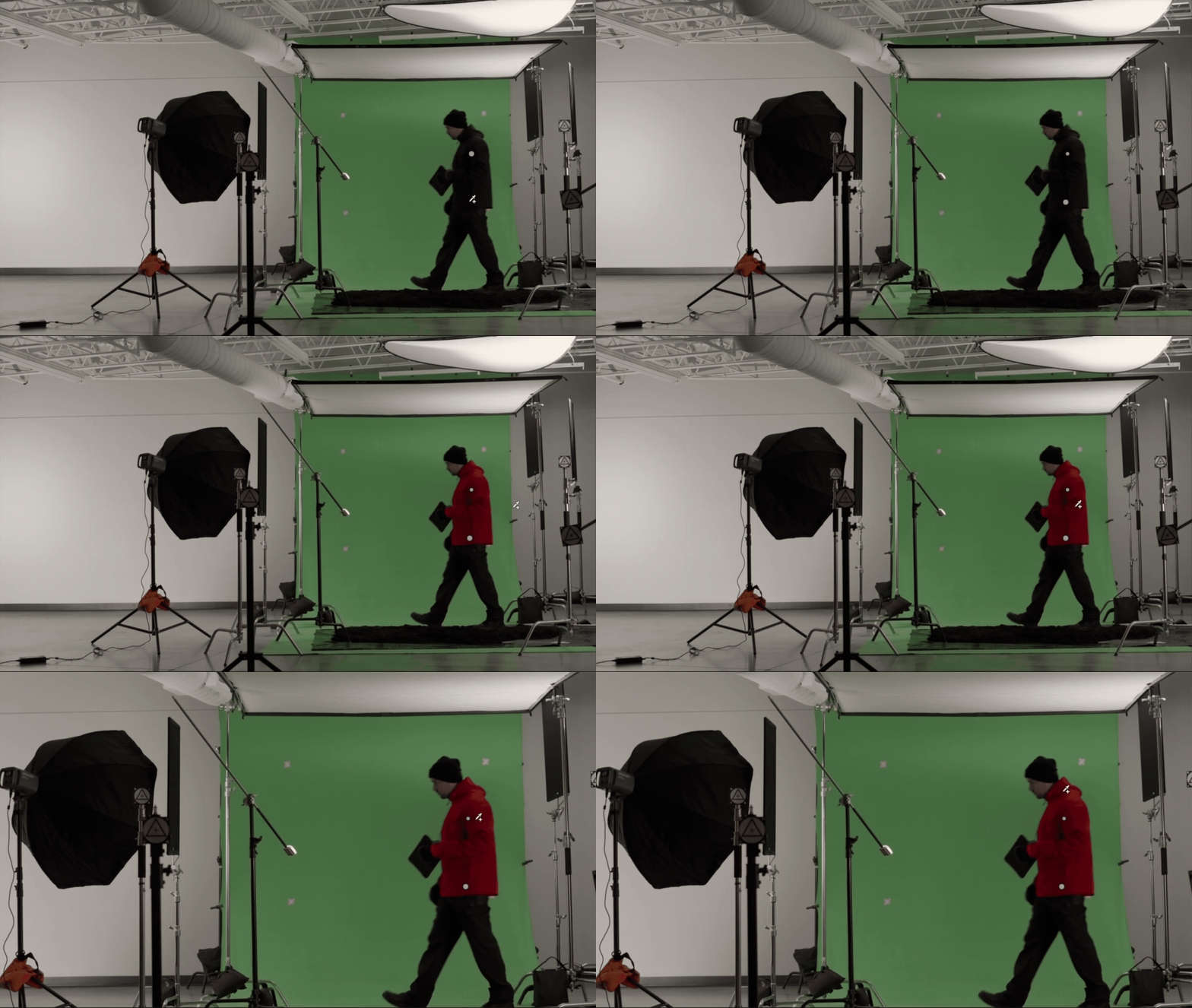
Leverage ethical, production-ready AI tools to handle tedious roto, paint, and tracking tasks in a fraction of the time.
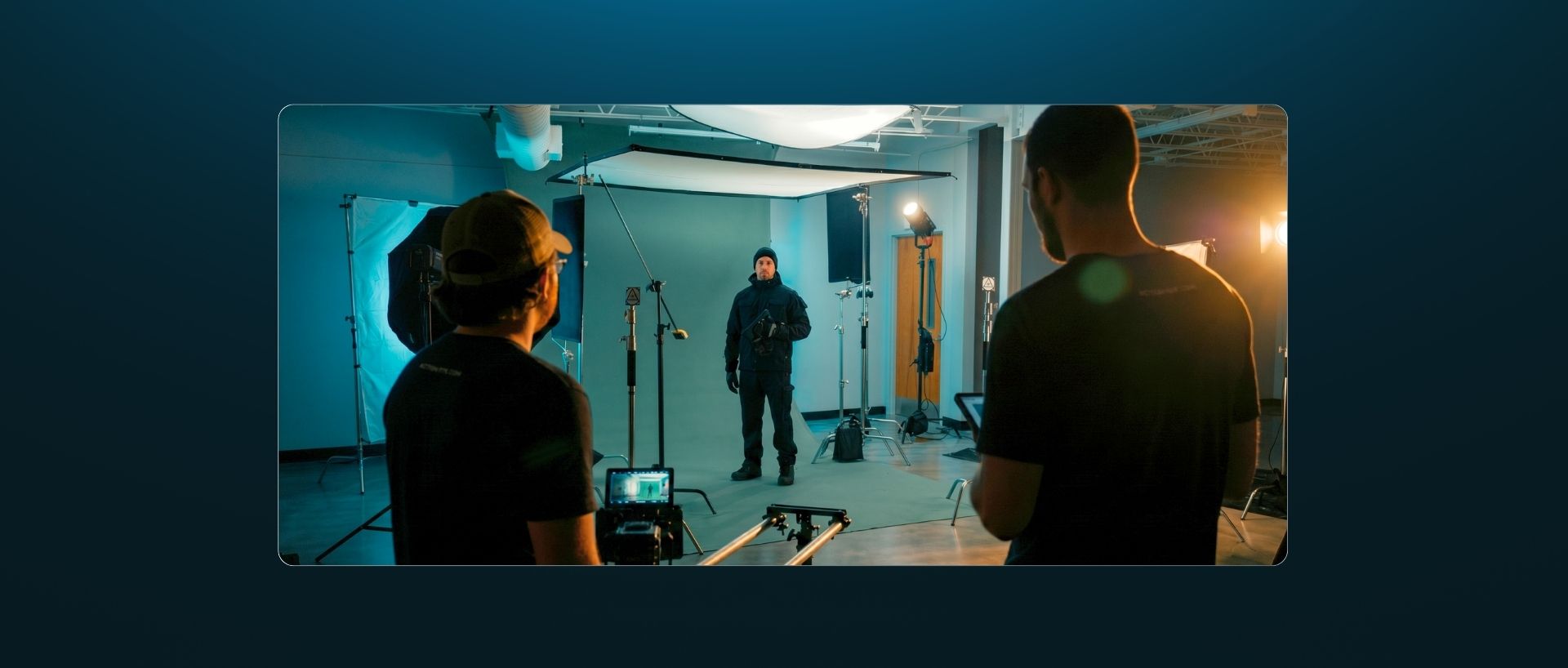
Your 12-Module Roadmap
Every module builds toward a complete VFX shot.
 Understanding VFX
1

Understanding VFX

Learn what VFX is and how you can use it in your projects
Learn to think like a visual effects artist and VFX supervisor for your own projects
Understand how light and color affect almost every decision in compositing
Setting Up for Success
2

Setting Up for Success

Plan shots, build previz, and prevent expensive post-production fixes.
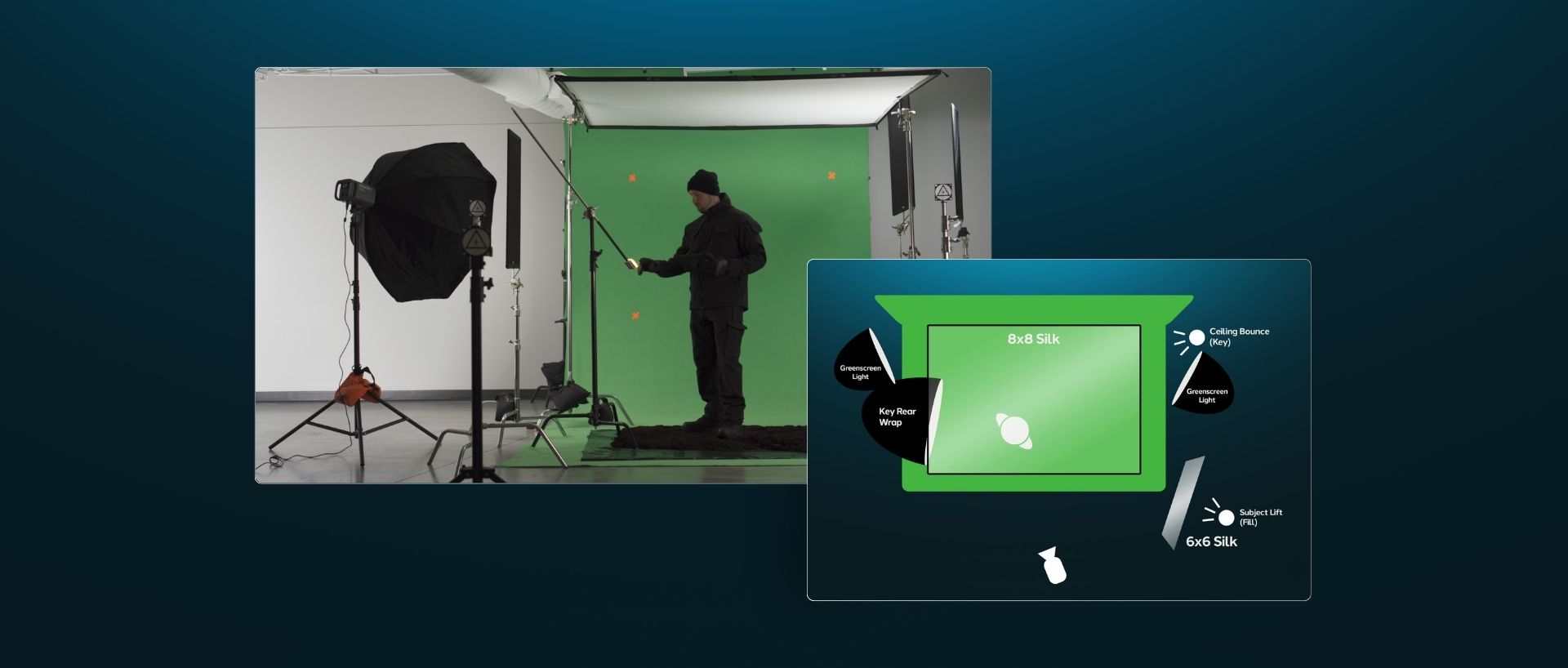
Master camera settings, green/blue screen lighting, and proper for clean keying.
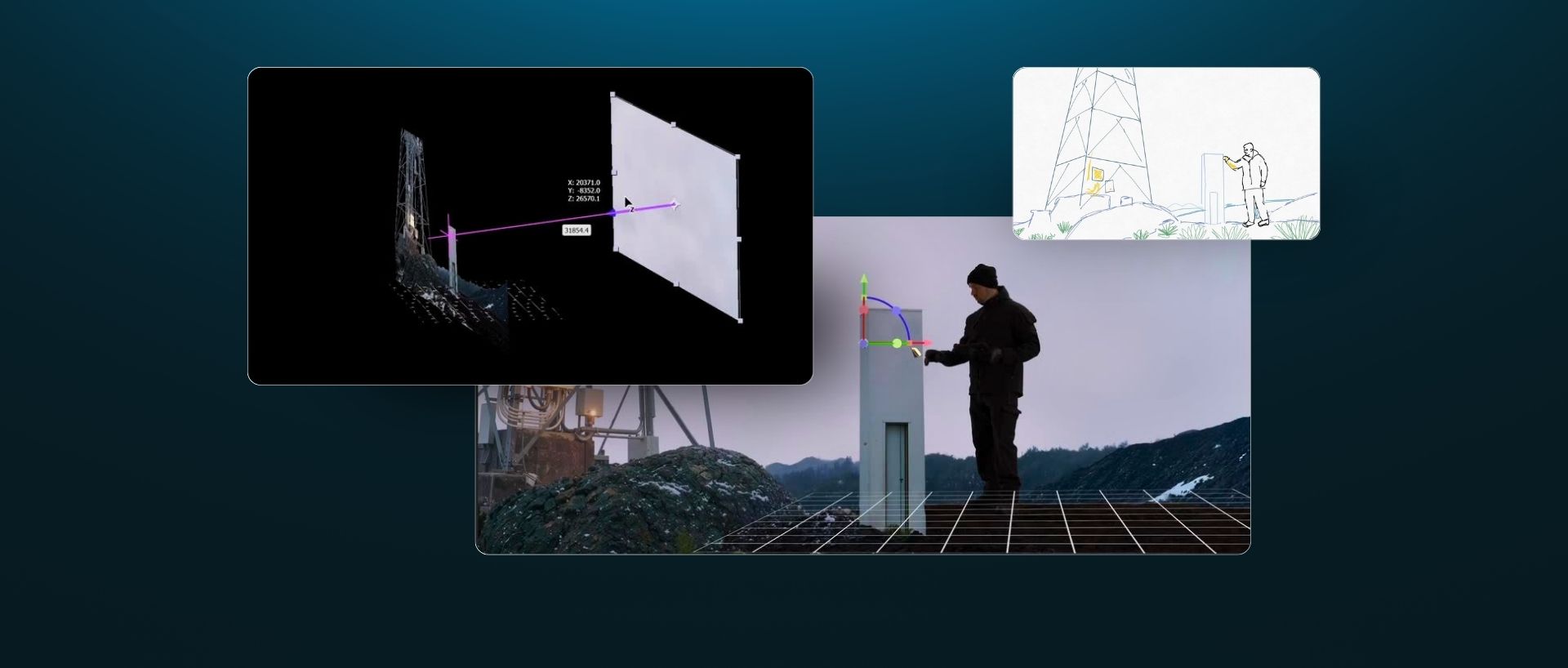
Place tracking markers effectively on location and shoot clean plates for seamless compositing.
AI and LLMs for VFX
3

AI and LLMs for VFX

Harness LLMs as problem-solving and coding partners.
Accelerate your previz and research using structured, ethical prompting guidelines.
Utilize commercially safe AI workflows to speed up cleanups, and compositing tasks.
Software Set Up
4

Software Set Up

Configure supporting tools and applications to build a seamless post-production workflow.
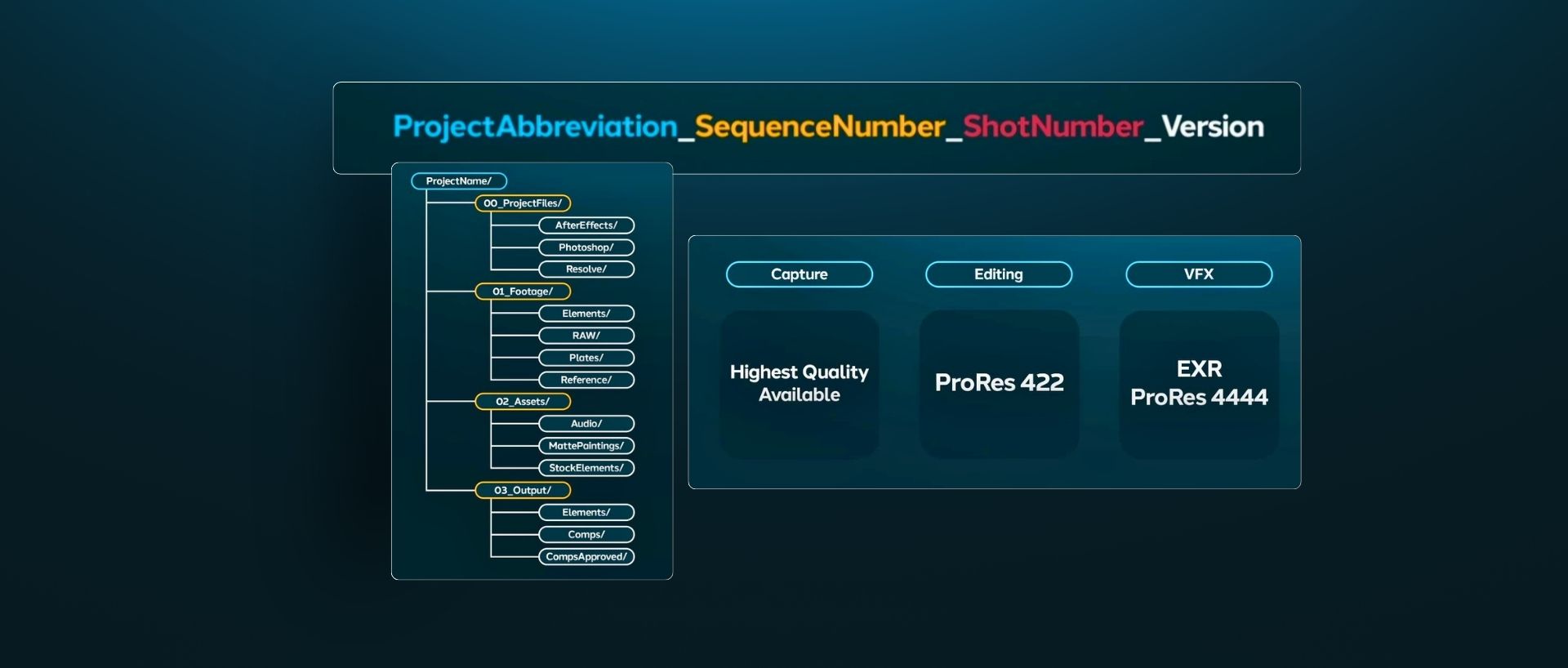
Set up standardized project directories and file naming systems to keep assets organized.
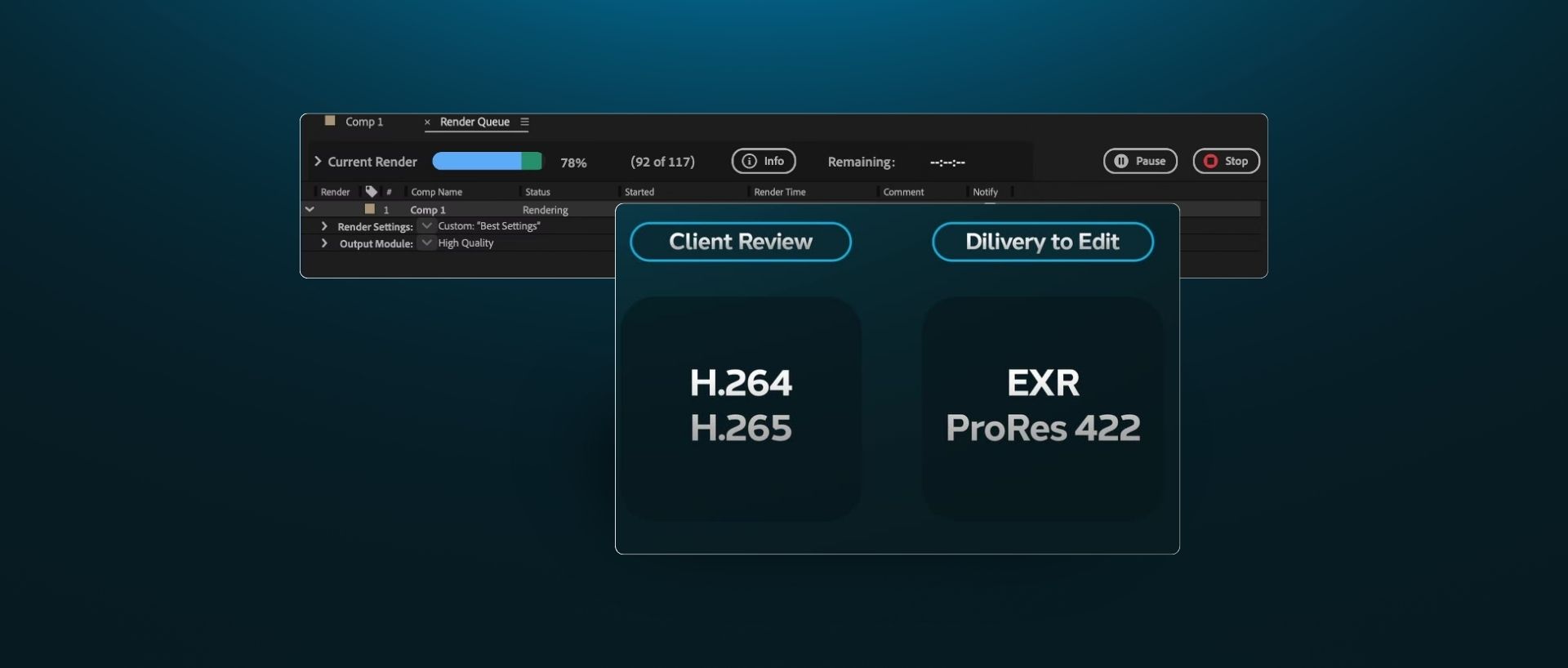
Learn how EXRs, ProRes, and intermediate codecs preserve visual quality across round trips.
Getting Started with After Effects
5

Getting Started with After Effects

Learn After Effects UI fundamentals, composition structures, and layer hierarchies.
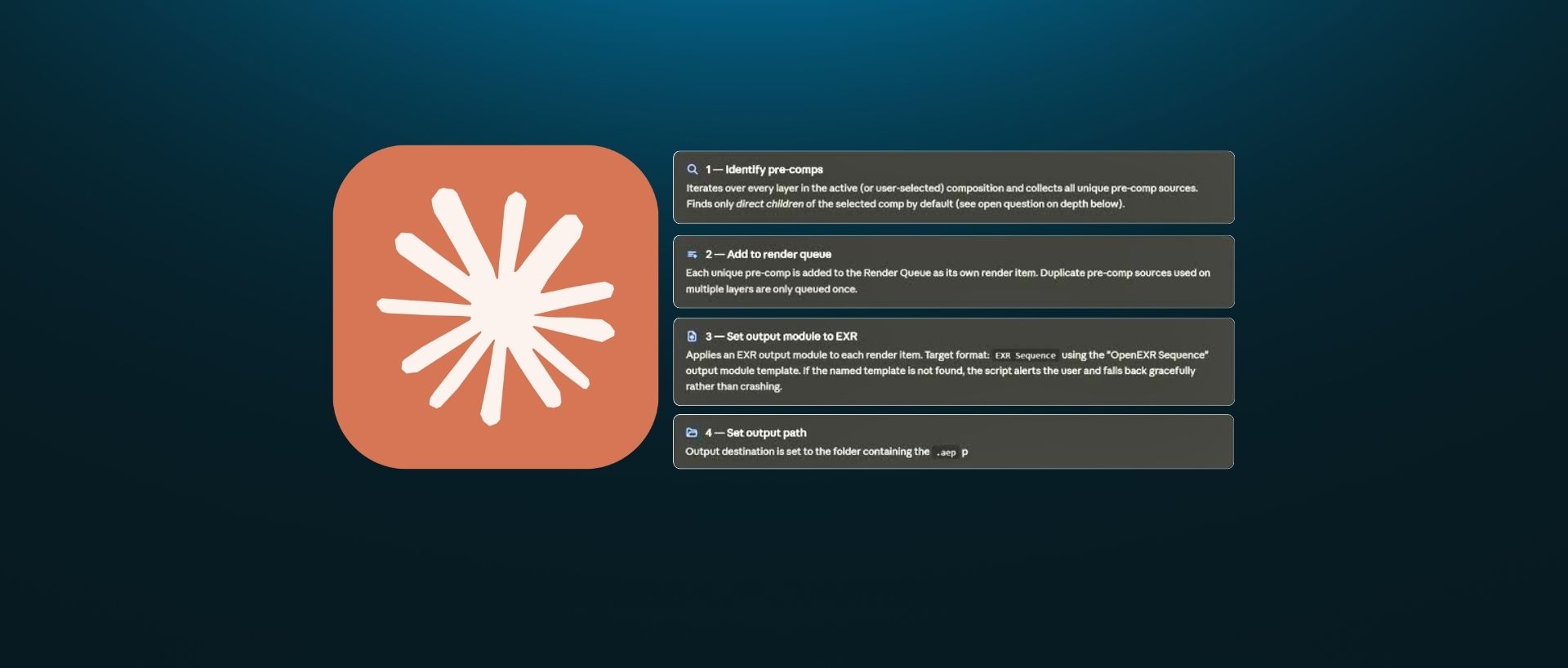
Configure workspaces, memory caching, and rendering so projects run smoothly and render fast.
Set up color spaces and ACES color management inside After Effects for maintaining the highest quality image and accuracy.
Keying and Rotoscoping
6

Keying and Rotoscoping

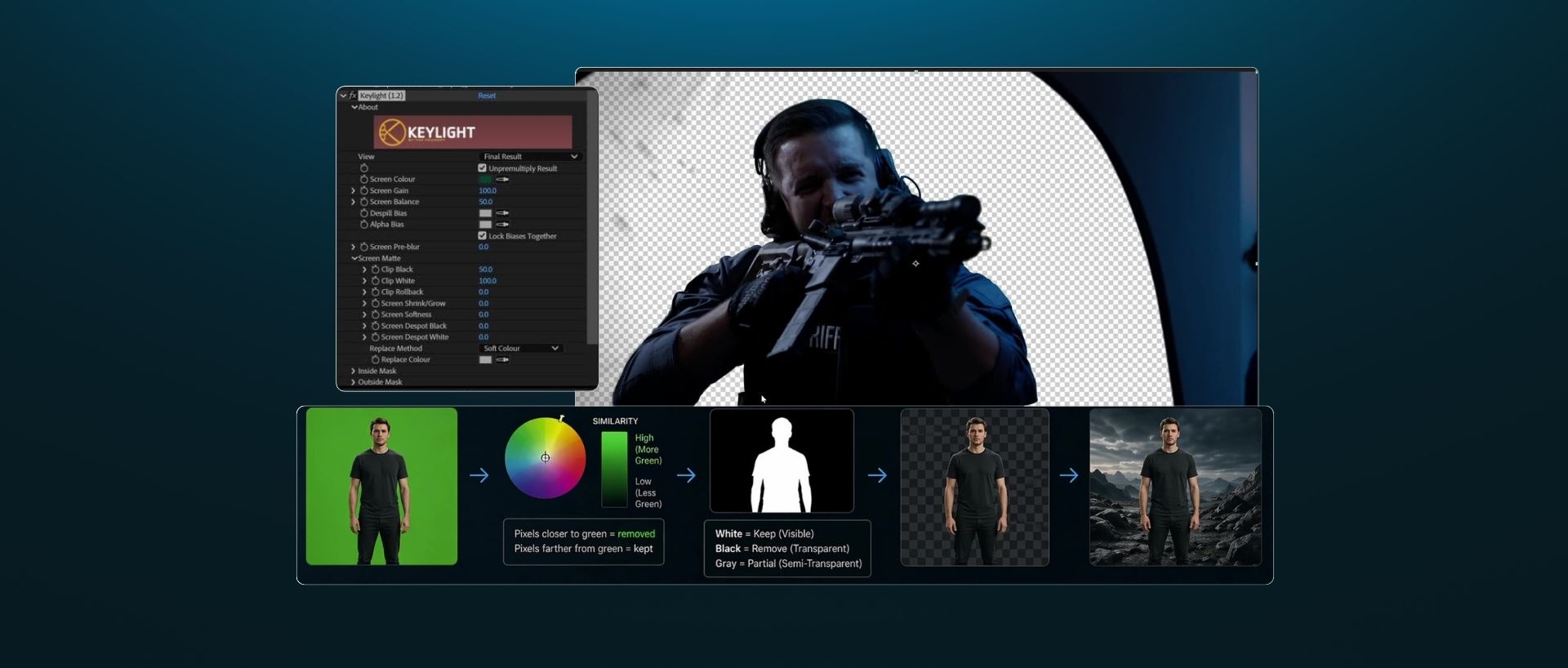
Extract clean mattes from green and blue screens while removing green bounce and spill from fine edge detail.
Master shape creation, feathering, and keyframing principles to manually isolate moving subjects.
Harness AI-powered roto features to automate complex mattes and streamline your isolation pipeline.
Paint, Cleanup, and Object Removal
7

Paint, Cleanup, and Object Removal

Recognize common production issues like tracking markers, logos, and cables, and choose the right cleanup strategy.
Master clone stamping, frame sampling, and manual paint techniques to clean up live-action plates.
Leverage Content-Aware Fill and modern AI tools to automate complex object removal across moving footage.
Tracking and Screen Replacements
8

Tracking and Screen Replacements

Learn 1-point and 2-point tracking techniques to attach composited elements to moving subjects.
Utilize planar tracking to handle corner pins, perspective shifts, and realistic screen replacements.
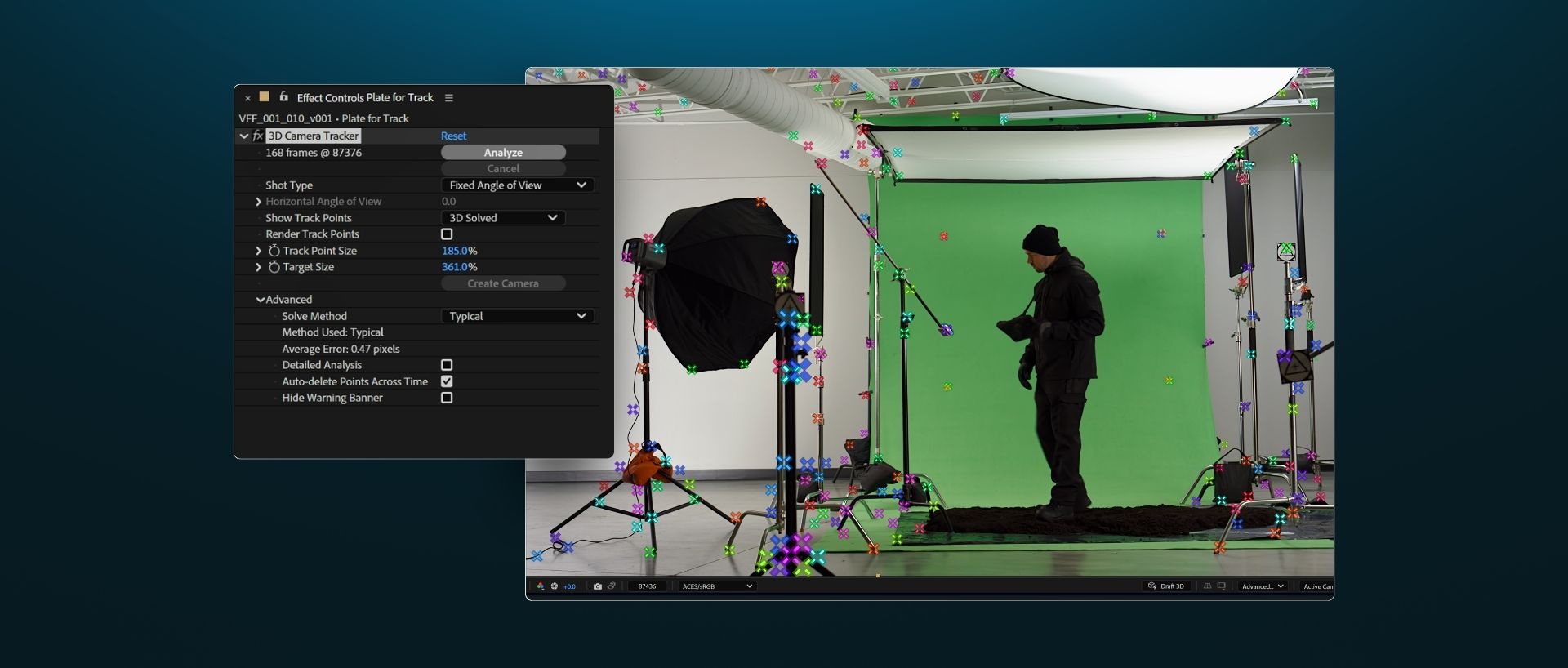
Extract accurate 3D camera data from live-action plates to lock elements into complex, moving shots.
Matte Painting and Set Extensions
9

Matte Painting and Set Extensions

Read the lighting, contrast, and color balance of your live-action plate before designing background elements.
Construct custom mattes and digital environments built specifically for your camera angle.
Separate artwork into distinct depth layers and composite them seamlessly into the moving plate.
Compositing VFX Elements and Atmosphere
10

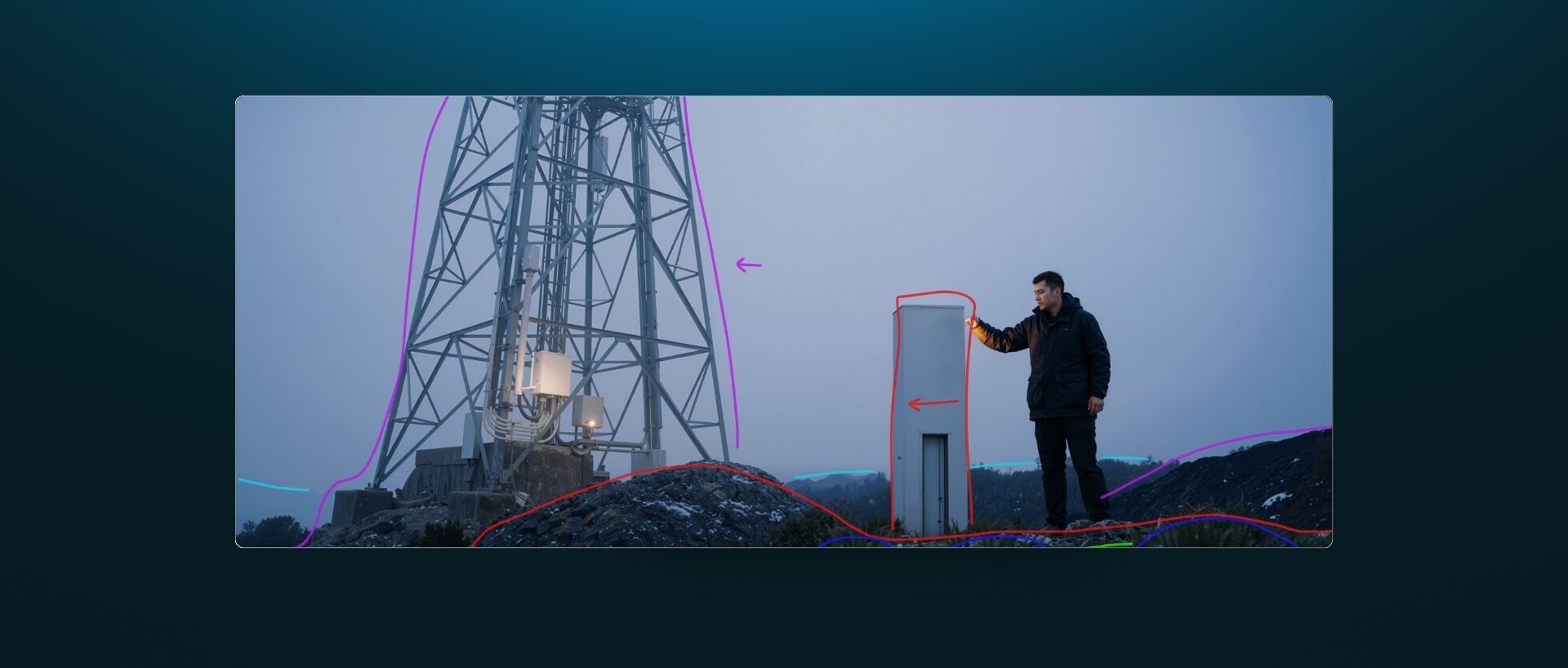
Compositing VFX Elements and Atmosphere

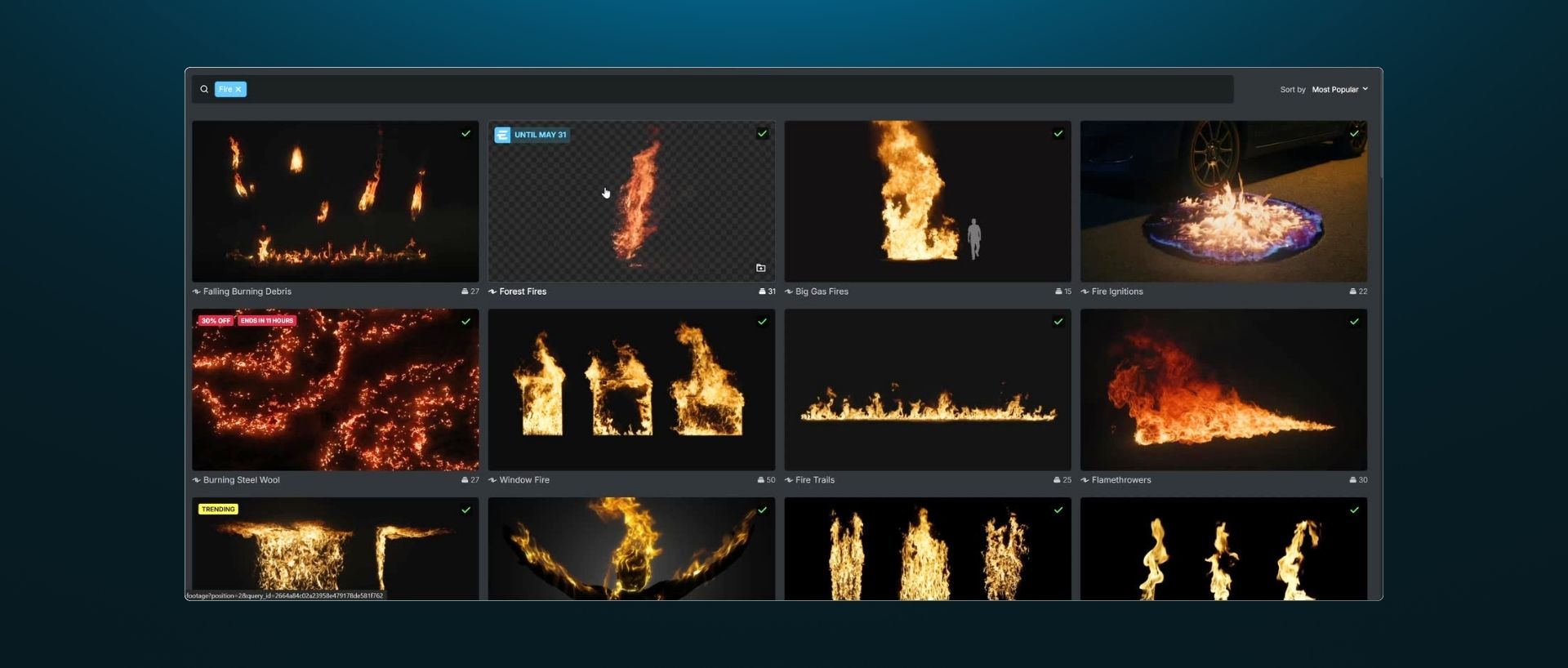
Learn how to select, prep, and position practical stock VFX assets within your compositing timeline.
Match physical scale, camera angles, color space, and lighting values to erase the "pasted-on" look.
Integrate particles, fog, and environmental effects while walking through a real-world shot breakdown.
Final Touches
11

Final Touches

Master edge integration, ambient light wraps, and final tone matching to push shots from 90% to 100%.
Apply optical glows, lens distortion, and chromatic aberration to sell the illusion of a single camera pass.
Add matching film or digital sensor grain across composite elements to unify all visual layers.
Delivery and Workflow
12

Delivery and Workflow

Set up clean workflows to receive plates from the edit bay and round-trip final VFX shots back into the timeline.
Ensure color profiles, frame rates, and shot naming stay accurate during export and handoff.
Export clean, production-standard renders formatted properly for editors, colorists, and clients.
Included Asset Bundle ($2300 value)
13 custom live-action plates
50+ Professional VFX Assets
Practical VFX guides
What Students Say

This course exceeded my expectations from start to finish. The amount of knowledge shared is impressive, covering everything from fundamental concepts to advanced AI-assisted VFX workflows in a way that is both accessible and professional. What I appreciated most is that the instructors don't just teach you how to complete exercises — they give you the foundation to create almost anything you can imagine.

Alan Rivera

As an editor for over 30 years, I have wanted to dip my toes into VFX for a while now. This course has removed all the intimidation I felt going into the course and transformed me into an editor with the confidence to add VFX to my portfolio. I cannot wait to continue practicing with the elements provided.

Angie Scharold

As a beginner in VFX it was great to see what goes into creating effects for films. This is a detailed course in After Effects. If you're a VFX artist or looking to start in VFX, this is a fantastic place to begin.

AerialScope

Whether you're already familiar with compositing or just getting started, this course is designed to help you learn in a fun and approachable way. You'll work with affordable software and AI tools to build practical skills step by step.

Soner Yamak

A great course to learn the professional VFX pipeline.

David Icely
Meet Your Instructors
From Filmmaker to VFX Artist
Zac VanHoy & Sam Crowe
20+ Years In Industry
10,000+ Assets Captured & Created

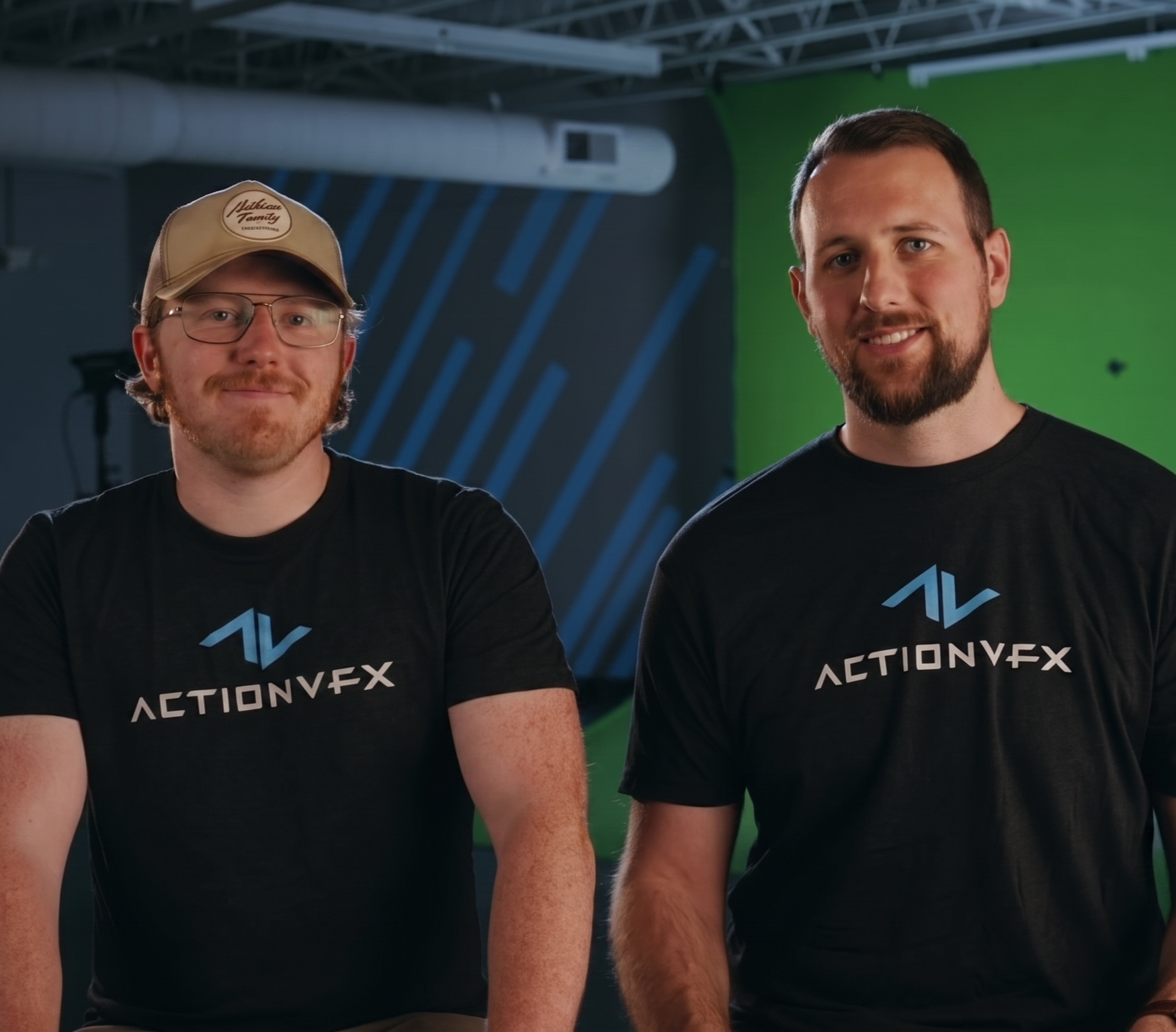
Zac VanHoy and Sam Crowe teach this course from two different starting points. Zac has spent years capturing and creating ActionVFX's asset library, the practical eye behind footage built to composite cleanly, with the easiest possible path through post. Sam came up as a filmmaker, shooting and editing his own work before he ever opened a compositing timeline. Between them, they've lived both sides of the gap this course closes.

Both work at ActionVFX today, Sam as the company's resident VFX artist, Zac producing alongside him, building comps and asset content seen by hundreds of thousands of artists. Their approach stays practical throughout: professional results with small teams and accessible tools.

One-time investment
One Course. Everything Inside.
For less than the cost of a two-day VFX hire, master the exact workflows that save hundreds of hours on tedious roto, cleanup, and matte work.
Free access to all future updates.
Live-action footage, VFX assets, and practical pipeline guides.
Certificate of Completion.
Connect with fellow artists in a private Discord community.
Secure payment • Instant access • 30-Day Guarantee
"We'll fix it in post."

That means someone else. Their rate. Their timeline. Their hands on your shot. Take back total creative control. The VFX work you used to outsource becomes a skill you can charge for. A single client project pays back this entire investment ... and then some. By the end of VFX for Filmmakers, you'll have:

The ability to plan, shoot, and composite your own VFX shots for professional projects.
Real-world compositing experience, plus multiple shots for your portfolio.
A library of production-quality, practical VFX assets to use on future projects.
Experience using the latest AI tools for ambitious shots that usually require a full team of artists.
Prerequisites
Am I ready for this course?

If you're regularly in Premiere, After Effects, or DaVinci Resolve, you're ready, VFX builds on the craft you already have. No prior compositing experience needed.

Frequently Asked Questions

No. The course is designed for video professionals (directors, DPs, editors) who understand camera basics and editing but have little to no experience in After Effects. We start with foundational concepts and build your skills step-by-step.

The course is taught in After Effects, with DaVinci Resolve and Photoshop used along the way. After Effects is the main tool, so you'll want access to it to follow along shot-for-shot.

Practical. While we do cover AI image generation in the course, it’s strictly used as a tool to create previs and matte painting assets for your environments. It is not used to automate your compositing or shot creation. AI handles the tedious busywork like initial roto, keying, and cleanup, but every shot is still planned, shot, and composited by you. You maintain total creative control, ensuring the final work looks like it was shot in-camera, not generated.

No. A curated pack of 50+ ActionVFX stock assets is included with your enrollment, which covers all course exercises and gives you extra elements for future projects. All keying, tracking, and compositing tasks are taught using built-in After Effects.

The course is completely self-paced. You get full, lifetime access to all course materials immediately upon enrollment, allowing you to learn at whatever schedule works best for your workload.
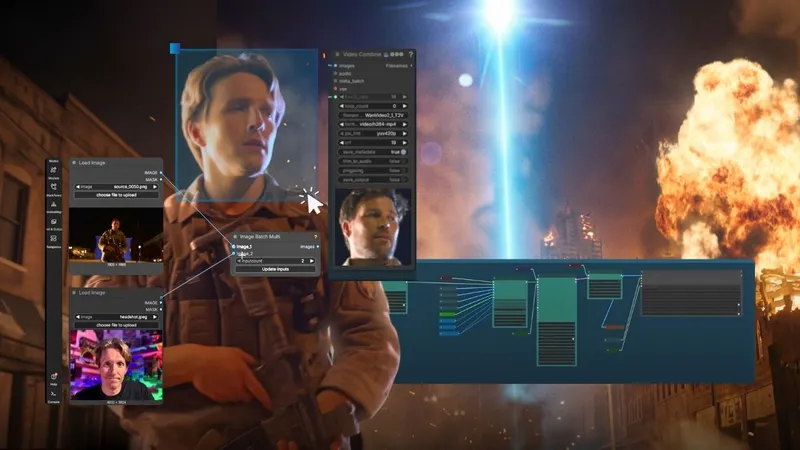
VFX for Filmmakers
10 hours of content
Free course updates
Private Discord community access
$269
30-Day Money-Back GuaranteeBuy without risk! We guarantee your satisfaction or we'll give you a refund.See our Terms and Conditions