ACES Now Supported in ComfyUI
ComfyUI Now Supports ACES, the Color Standard Every Studio Runs On
For years, the gap between a stunning ComfyUI generation and a usable production frame hasn't been image quality. It's been color. Drop a beautiful AI output into Resolve or Nuke and it goes gray and flat. Not because the generation was wrong, but because ComfyUI never spoke the same color language as the rest of the pipeline. Every artist who's tried to bring generative work into a real finishing pass knows the routine: guess a LUT, eyeball it against plate, hope it holds up in review.
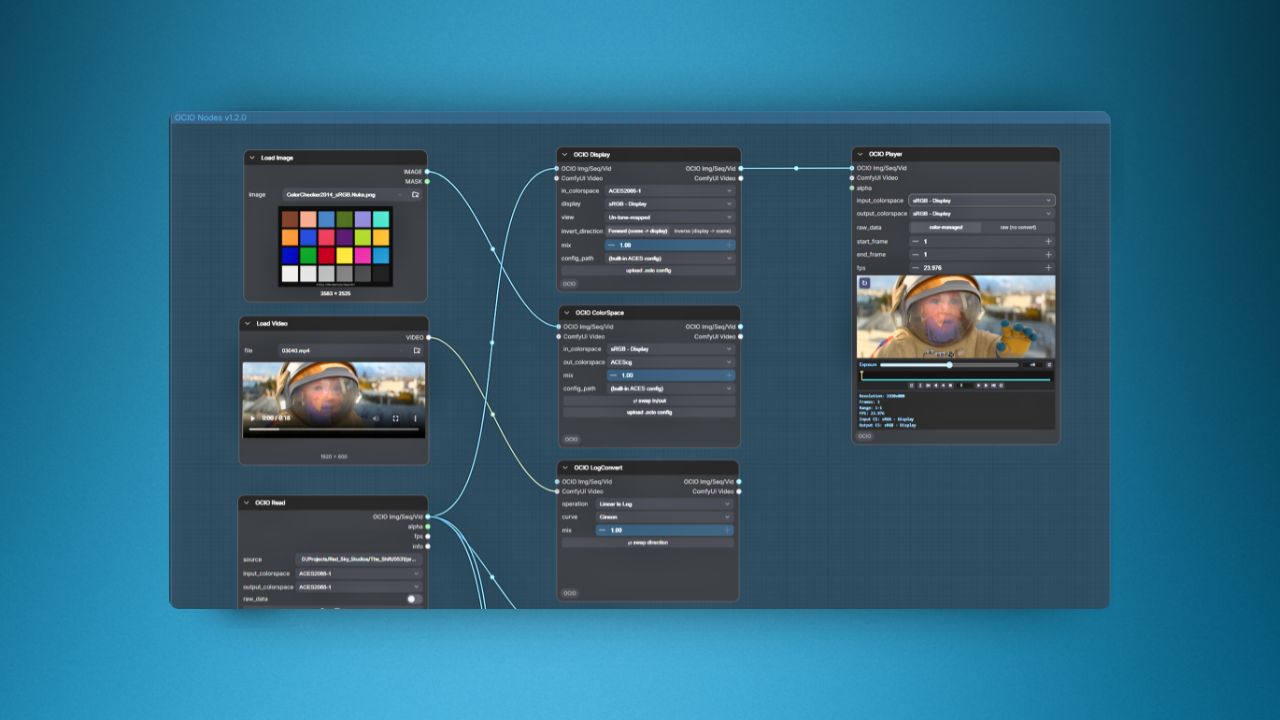
ComfyUI-OCIO v1.2.0, released by Slava Sexton, closes that gap. It brings real OpenColorIO and ACES support into the node graph. This is color management built to the standard studio pipelines already run on, not a plugin bolted on for convenience.
Why Bit-Exact Matters More Than It Sounds Like It Should
Data has to travel from sensor to final grade without drifting, and that discipline is exactly what's been missing from generative tools. Sexton built a 3D gamut volume chart comparing sRGB, ACEScg, ACES2065-1, and ARRI Wide Gamut 3, because a column of zeros is hard to feel until you can see the shapes overlap. The result: an AI-generated frame can now carry color data with the same integrity as footage shot on an Alexa 35.
Seeing What You're Actually Working With
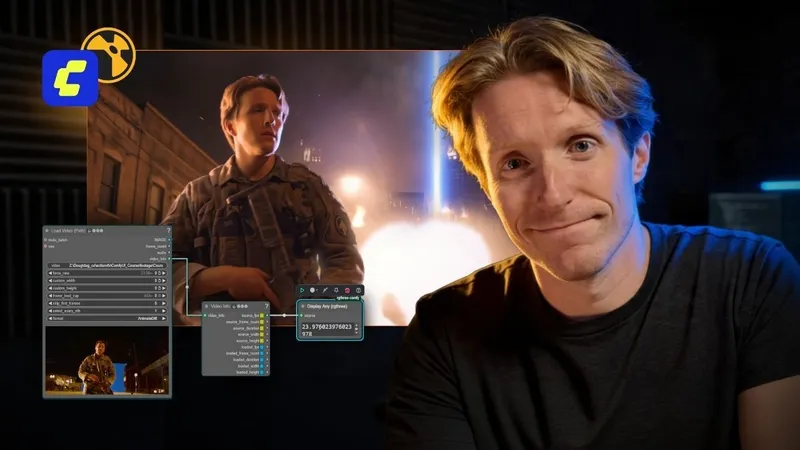
The most immediately useful piece is the new OCIO Player node. ComfyUI has historically shown artists low-res, 8-bit cached thumbnails, a rough approximation of the image rather than the image itself. The Player renders full-resolution, HDR half-float images directly in the graph, with live color space switching. Working in 32-bit float now means looking at your actual pixels before they leave the node graph instead of a compressed guess at them. Sexton also shipped eight nodes modeled on Nuke's own color logic: ColorSpace, CDL, LogConvert, Display, LookTransform. Artists can grade in ACES (v1.3 and 2.0) and export 32-bit EXR or TIFF with color metadata intact. That's functionality that used to come with a five-figure studio license, released for free. The update folds directly into ComfyUI's native VIDEO pipeline too, which quietly kills one of the more tedious parts of AI-assisted work. "Frame bouncing," where sequences get exported to loose image folders and reimported just to move them through a pipeline, is gone. Load Video into an OCIO node into Video Combine. No manual file shuffling in between.
Color Science Is Half the Story
ComfyUI-OCIO answers a real question: can a generative tool be trusted with color the way a camera or a grading suite can. It's a genuinely important piece of ComfyUI's maturity as a professional tool.
Color accuracy alone doesn't finish a shot, though. The other half is pipeline discipline: knowing how to take AI-generated passes and actually assemble them into a script that survives a client review.
That's a different skill, and it's the one Advanced AI Workflows for VFX Artists is built around.
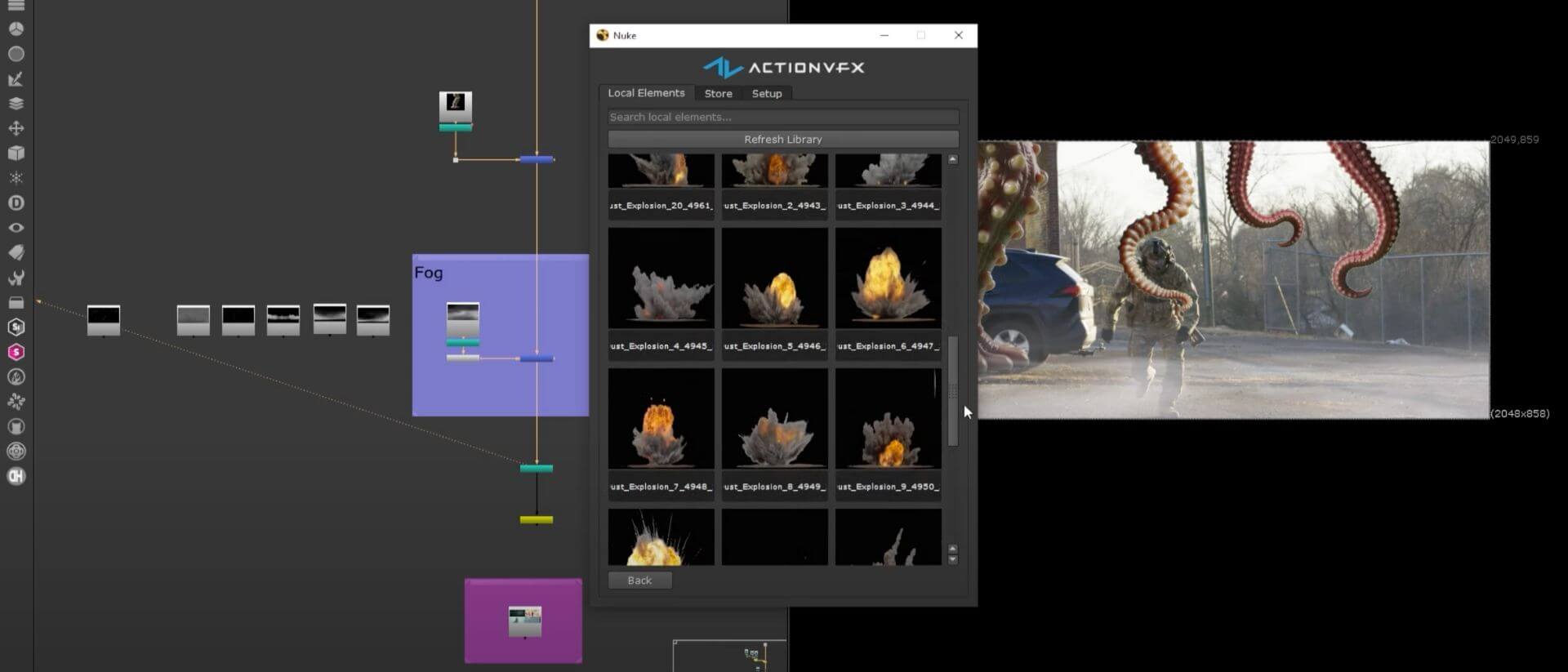
Doug Hogan, who advises the ComfyUI team on studio-grade pipeline features, walks through building a complete shot from matte creation and utility passes through cleanplating, camera tracking, and final assembly in Nuke, with a layered EXR output strategy and reusable subgraphs designed for real production instead of demos. Worth being clear: the course doesn't cover the OCIO node pack itself.
What it teaches is the surrounding discipline that makes tools like this one worth adopting in the first place. The judgment to know which AI tools belong in a shot, and how to hold them to the same standard as everything else in your script.
That's the shift underway in ComfyUI right now, on two fronts at once. The color science is catching up to studio standards, and so is the thinking around how these tools fit into a pipeline. A perfectly color-managed image still needs an artist who knows how to build a shot around it. No node pack can teach you that part.