VFX for Filmmakers Course
How to Shoot and Composite Professional VFX Shots Without a VFX Team
You're a director. Or an editor. Maybe a DP who ends up wearing every hat on smaller jobs. You know what the shot needs to look like, you know the client expects a polished result, and somewhere between the brief and the delivery date, VFX becomes your responsibility.
This is the reality for a huge portion of working video professionals. You're producing commercials, music videos, branded content, and independent films with limited crews and real deadlines. The footage you get isn't always ideal, weather changed, the location wasn't quite right, the shoot ran long and some corners got cut on set. The client still cares about results.
VFX for Filmmakers was built for exactly that reality.
How Are Filmmakers and Video Editors Transitioning Into VFX?
More working video professionals are bringing VFX in-house than ever before. Not because the tools have gotten simpler, they haven't, but because the gap between what clients expect and what small crews can deliver has narrowed significantly. AI-assisted workflows, accessible software, and a new generation of practical compositing techniques have made it genuinely possible for a filmmaker, editor, or DP to handle VFX work that would previously have required a specialist.
The transition from video editing or filmmaking into VFX is more natural than most people assume. The core instincts are already there, an understanding of how shots are built, how light behaves, how an edit flows. What's missing is usually the compositing pipeline: what to do on set to set yourself up for success, and how to execute the work in post.
That's the gap this course closes.
Does Your Filmmaking Experience Give You a Head Start in VFX?
It does, significantly. The traditional filmmaking knowledge that makes you good at your job is the same knowledge that makes a VFX composite convincing. Understanding how light falls on a subject, how a camera's exposure decisions affect the image, how a scene is built from individual elements, these aren't supplementary skills in VFX. They're foundational ones.
Where filmmakers and editors typically need to build new knowledge is in the technical pipeline: color spaces, file formats, compositing software, tracking, and the on-set data capture that makes post-production faster and more accurate. VFX for Filmmakers is structured around the assumption that you already think like a filmmaker. The course builds the VFX layer on top of what you already know, rather than starting from scratch.
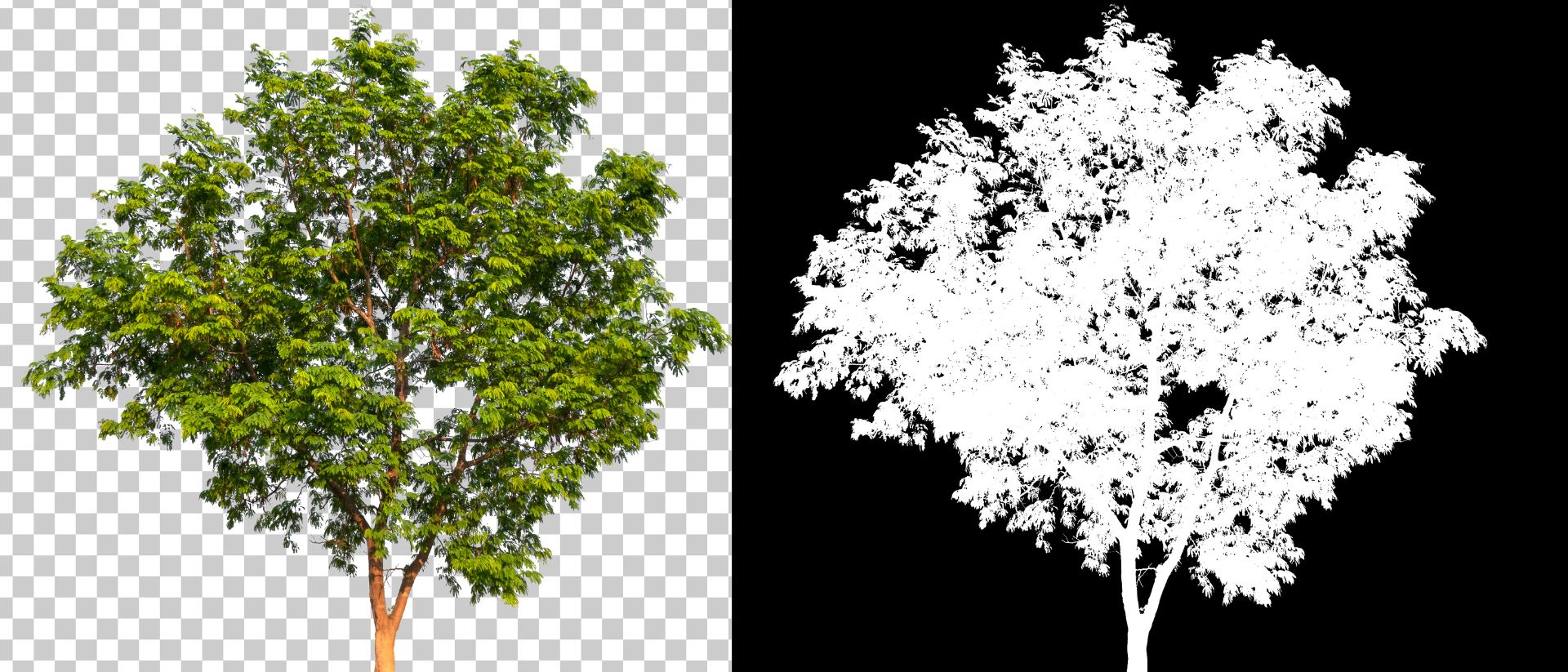
This is also why a fundamentals-based approach to VFX education is more valuable than a software-specific one. Learning why a key works, the physics of light, the nature of an alpha channel, the relationship between what you shoot and what you can composite, means your skills transfer as software evolves. This course teaches both: the concepts that don't change, and the specific tools that put them into practice.
How Do You Shoot Footage That Works for VFX Compositing?
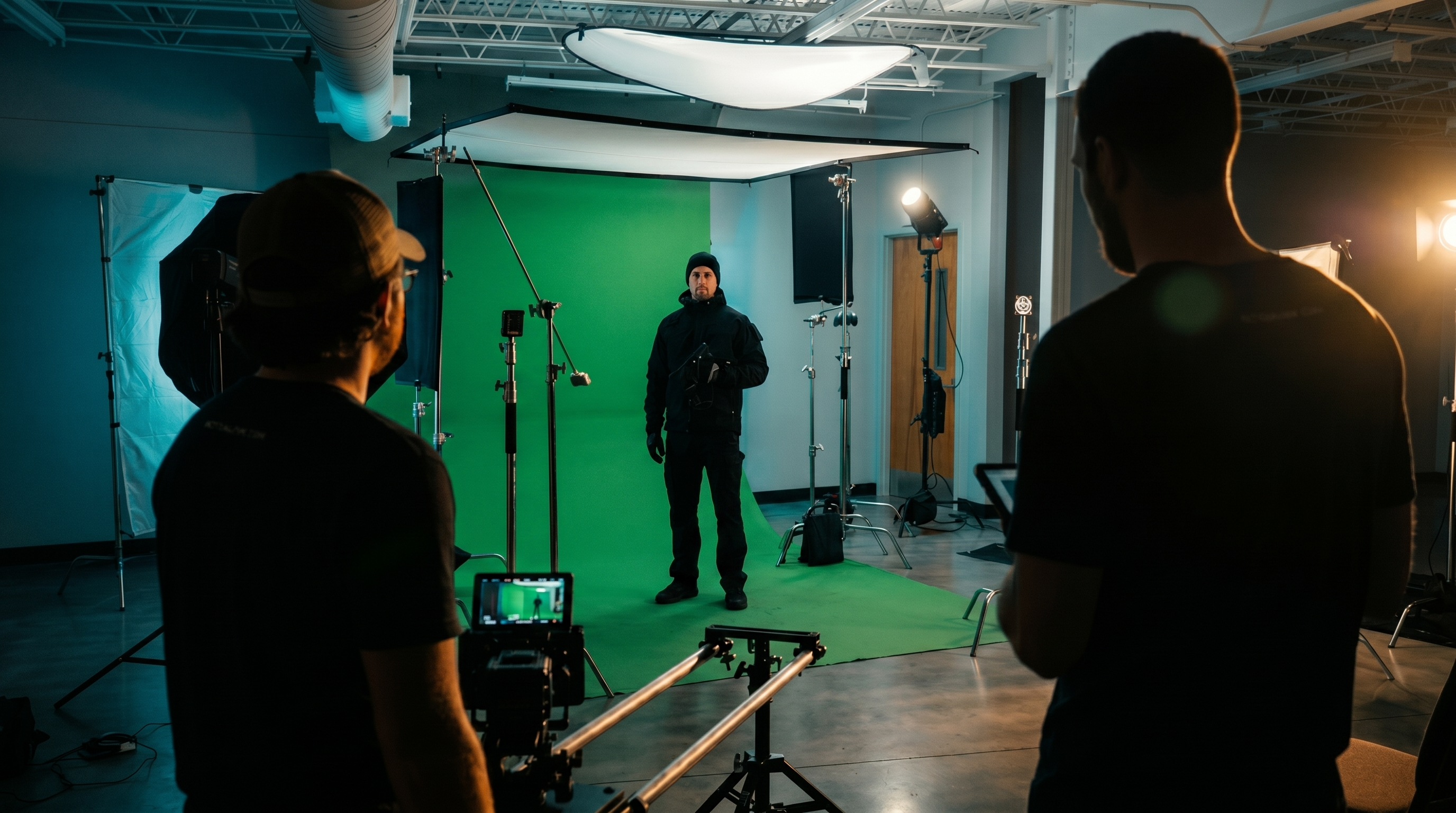 This is where the course starts, and it's what separates it from compositing courses that begin at the desk.
One of the most common frustrations for filmmakers doing their own VFX is discovering in post that a decision on set has made the composite significantly harder, or in some cases, close to impossible. A green screen with uneven lighting. Talent positioned in a way that doesn't match the background environment. No clean plate captured because nobody held the camera steady for five seconds after the take.
These aren't compositing problems. They're planning problems. And they're entirely avoidable.
Week one of VFX for Filmmakers covers VFX supervision from a filmmaker's perspective, how to plan shots with compositing in mind, how to set up and light a green screen properly on a small budget, which camera settings matter most for VFX work, and what data to capture on set so your post-production is grounded in reality.
This includes practical details that are rarely covered outside a professional VFX production:
When and how to use tracking markers, and where to place them so they don't create extra cleanup work How to capture chrome and gray ball references for lighting data you can actually use when matching elements in post Why a deep depth of field is usually your friend in VFX work, and what that means for your exposure decisions How white balance, shutter angle, and ISO decisions on set directly affect the quality of your key and the accuracy of your track
Every hour spent doing this right on set saves several hours in post, and produces a better result, because you're working from real data rather than trying to reconstruct it.
What Kind of VFX Can You Add to a Project Without a Big Budget?
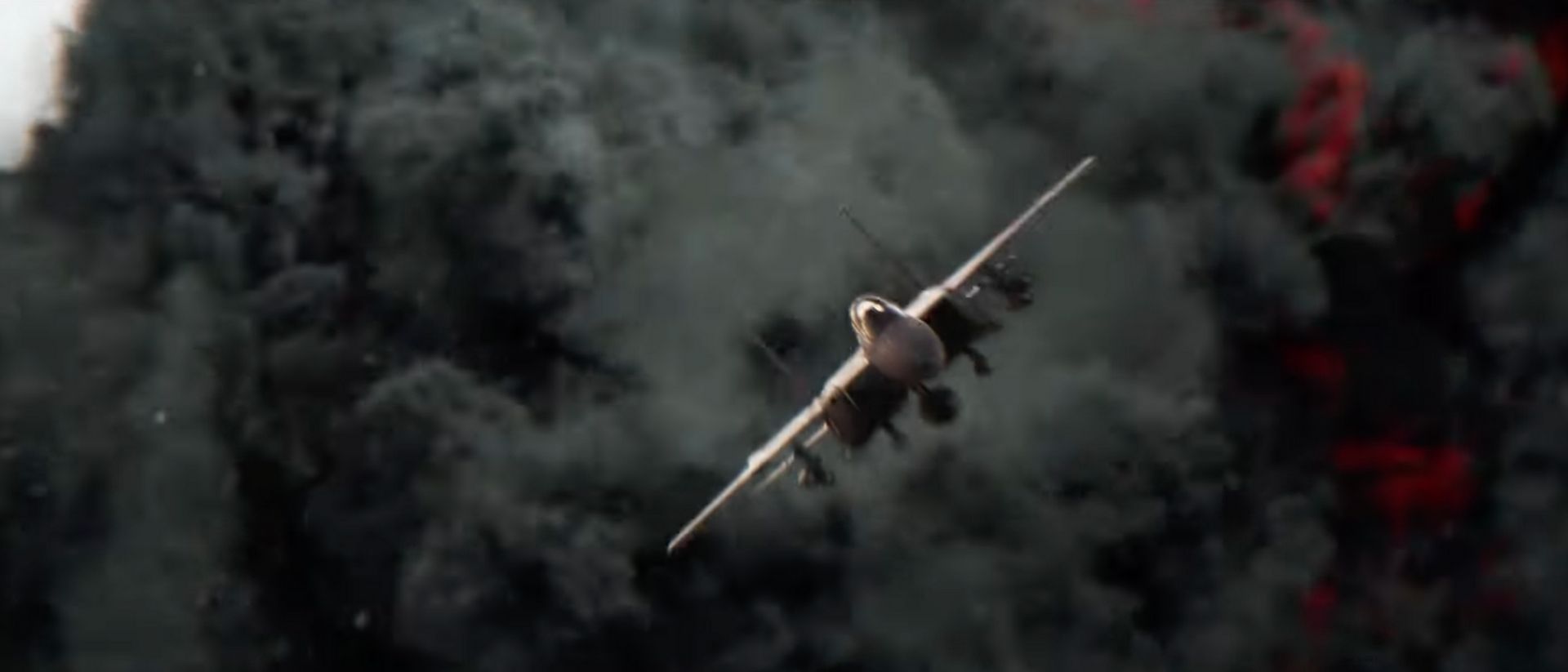
Some of the most effective VFX in commercial and music video work are the ones the viewer never consciously registers. A sky replaced to maintain continuity across a shoot day. Atmospheric elements, dust, fog, light particles, that make a location feel more cinematic than it was. A screen replacement that makes a phone prop look like it's actually displaying content. Rain added in post to a scene shot on a dry afternoon.
These are the craft decisions that take a modest production and make it look high-end. They don't require a VFX studio. They require knowing how to plan for them, shoot for them, and execute them efficiently in post.
The course is built around three projects in addition to the main hero shot: a sky replacement to teach point tracking, a screen replacement to cover planar tracking, and the main project, a full green screen composite placed into a matte-painted environment with atmospheric stock elements integrated throughout. Each project is designed to produce something genuinely impressive, because the final result is marketing material as much as coursework.
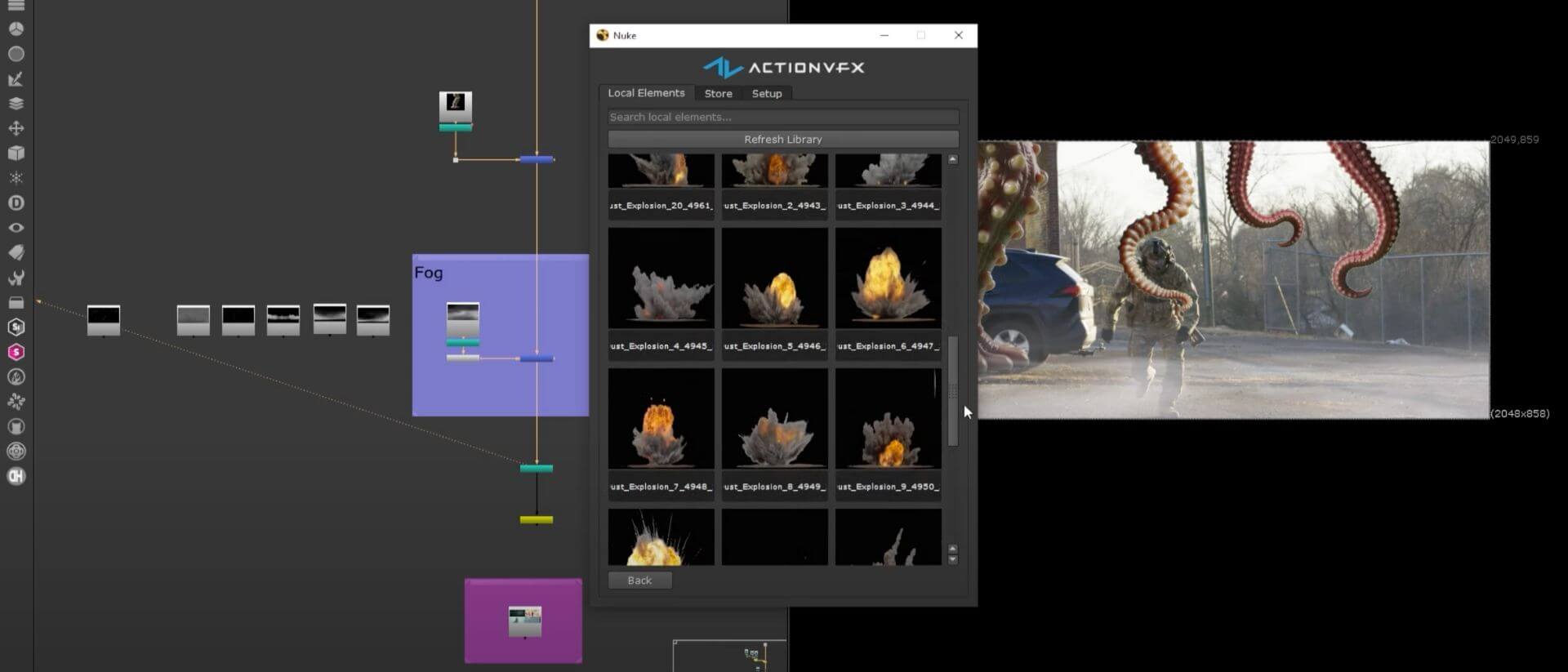
You'll also learn how to work with ActionVFX stock elements, fire, smoke, dust, rain, and atmospheric effects, and more importantly, how to integrate them convincingly. That means matching scale, color temperature, softness, and lighting so elements feel like they were captured by the same camera on the same day. A curated pack of stock assets is included with the course and yours to keep for future projects.
Which Software Do You Need to Learn VFX as a Filmmaker?
One of the most practical questions for anyone making this transition is whether they need to invest in new software. The short answer for most working video professionals is no.
VFX for Filmmakers is built around After Effects, which the majority of filmmakers and editors already have access to through an Adobe Creative Cloud subscription. The rest of the tools used in the course are either free or already included:
Mocha AE, included with After Effects, for planar tracking DaVinci Resolve (free version), for depth map generation Photoshop, included with Creative Cloud, for matte painting and set extensions
For anyone researching how to learn VFX without investing in expensive specialist software, this is worth knowing: the most common barrier isn't the learning curve. It's the assumption that professional VFX work requires professional VFX licensing costs. It doesn't, at this level of production.
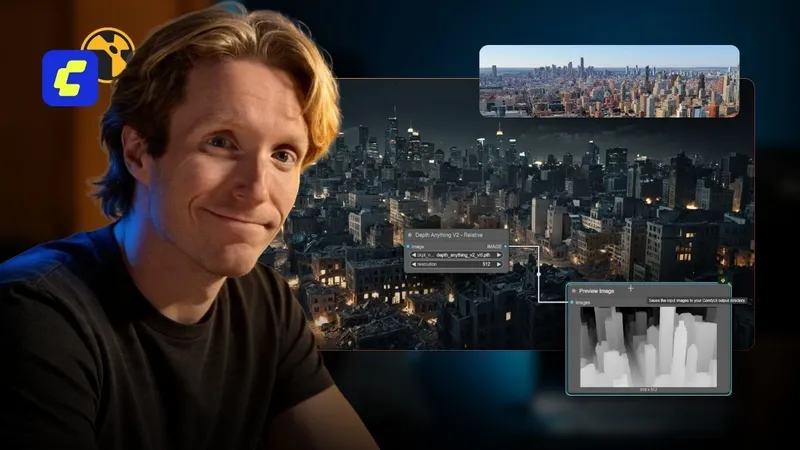
The AI tools woven throughout the course, AI-assisted rotoscoping in After Effects, generative fill in Photoshop for building environments, AI depth map generation for atmospheric integration, are the same tools changing what's achievable for small teams right now. The course teaches them as practical production tools, with an honest account of their limitations and where manual technique still gives better results.
Can You Learn VFX Compositing in Three Weeks?
The three-week structure is deliberate, and it comes down to how this course is built. Most course formats measure their value in hours of content. VFX for Filmmakers is structured as a bootcamp, the measure is what you can do at the end of it, not how many hours you watched.
At around 90 minutes a day, five days a week, the pace is designed to fit around a working professional's schedule. The progression is linear and intentional: each week builds directly on the last.
Week one covers foundations, set supervision, and shooting your plates, the knowledge that lives before After Effects is opened.
Week two moves into core compositing skills: green screen keying, rotoscoping (manual and AI-assisted), paint cleanup, object removal, and 2D and 3D tracking.
Week three covers advanced compositing and polish, matte painting and set extensions, lighting analysis and element matching, atmospheric integration with stock VFX elements, depth maps, grain matching, glow and halation, and finishes with professional delivery.
By the end, you'll have completed a full VFX shot built from start to finish, planned, shot, composited, and delivered, along with two additional projects covering screen and sky replacement. Building your first professional VFX project from scratch, inside a real production pipeline, is the point of the course. That's what you walk away with.
How to Know Whether a VFX Course Is Right for You
The most useful question before committing to any course is whether it was built for someone in your situation, not a general audience, but someone with your specific background, working on your specific kind of projects.
VFX for Filmmakers is built for video professionals working solo or with small crews: directors, DPs, editors, and videographers producing commercials, branded content, music videos, and independent films where VFX is part of the deliverable and there's no dedicated VFX department.
No prior VFX experience is required. Prior experience in video editing and on-set production is recommended, the course is designed to build on the instincts and knowledge working video professionals already have.
If you're already in post-production work and you want to add VFX to what you can deliver, for clients, for your own projects, or both, this course gives you the full pipeline to do it.
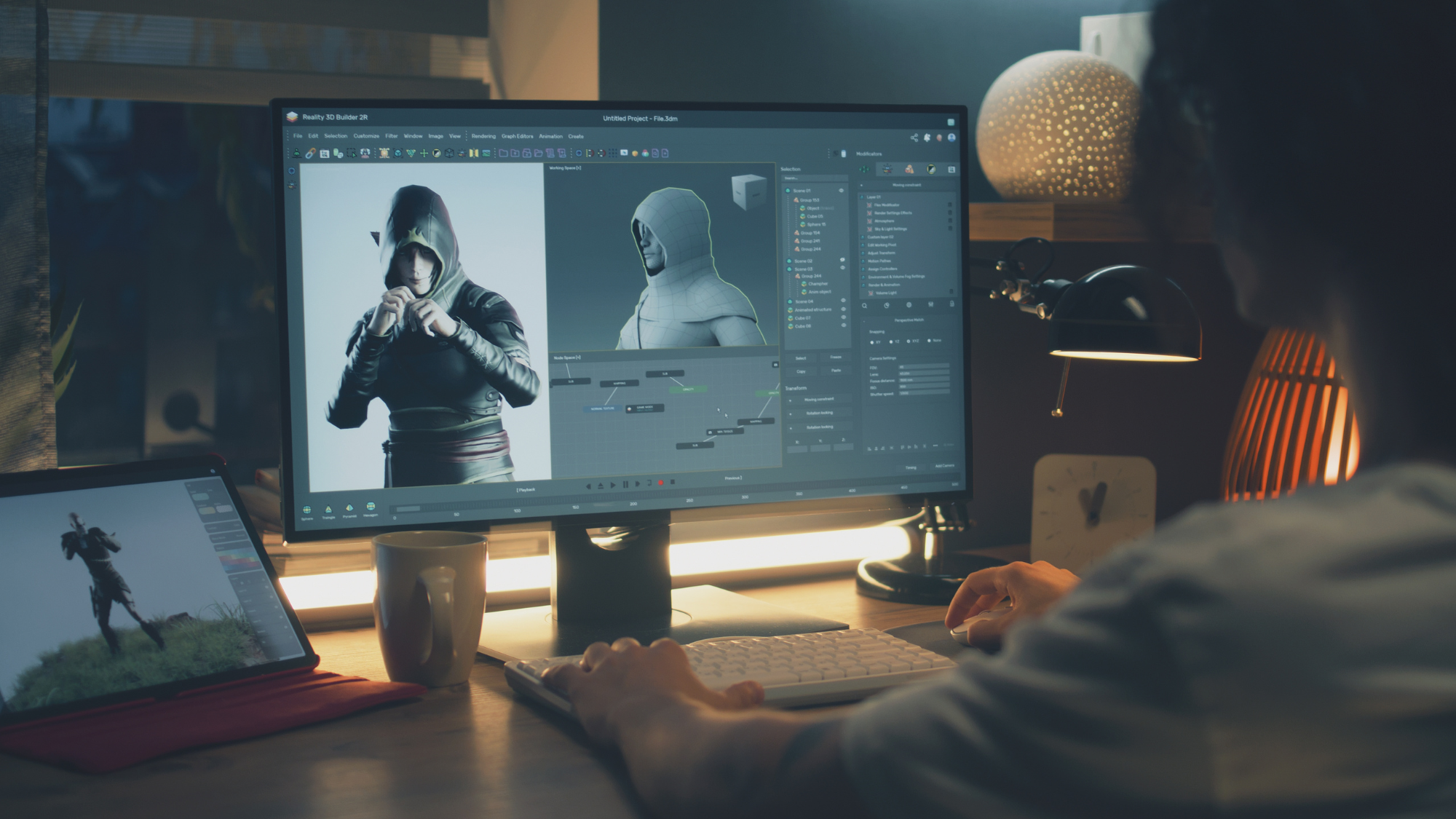
Handle Your Own VFX. Deliver Work You're Proud Of.
The professionals producing the most convincing VFX on limited budgets aren't necessarily the ones with the most technical knowledge. They're the ones who understand the full pipeline, what decisions on set make the composite easier, how to match an element so it reads as belonging in the scene, when to invest time in a detail and when the viewer won't notice either way.
That judgment comes from understanding VFX as a connected process, not a collection of isolated techniques. From the first conversation about a shot to the final file delivered to the edit.
Three weeks. Start with what you have.
Enroll in VFX for Filmmakers at ActionVFX Academy