How A Senior Compositor Uses ComfyUI in Post-Production | Doug Hogan on the Allan McKay Podcast
Learn how Senior Compositor Doug Hogan uses ComfyUI for roto, cleanplating, object removal, and other VFX tasks in traditional compositing workflows.
My favorite event at SIGGRAPH this year was a demo with Beeble, an AI relighting and compositing tool.
What stuck out to me was how excited artists were that Beeble is building a software that sees itself as a helpful tool for compositors, not as the end-all-be-all “AI filmmaking” tool.
I’m happy to see those same conversations happening around ComfyUI.
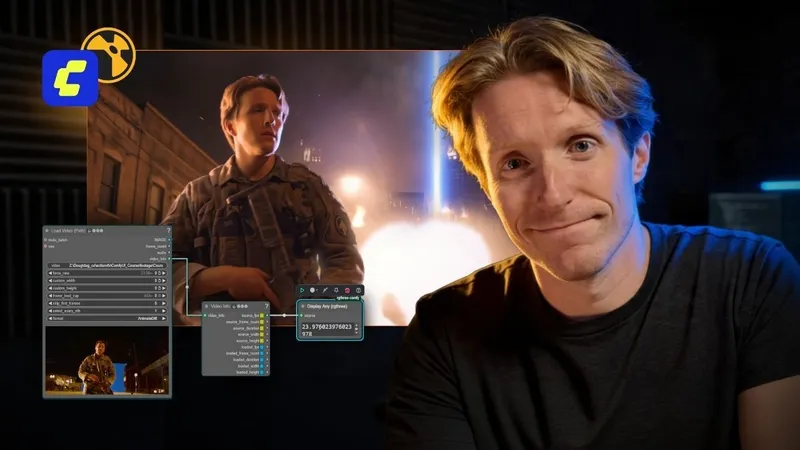
Recently, Allan McKay (award-winning VFX Supervisor) had Doug Hogan (Senior Compositor and Creative Technologist) on his show to talk about ComfyUI, a node-based AI tool for compositors. They discussed how ComfyUI can be used in traditional compositing pipelines, and what skills professional artists need to excel in as AI tools become more common.
Note: Most of the workflows Doug and Allan discuss are taught in Doug’s Intro to ComfyUI for VFX and Advanced AI Workflows for VFX Artists courses.
Listen to the Interview on Spotify
Here are a few takeaways from the discussion:
What AI Does Well for Compositors
Initially, Doug was intimidated by ComfyUI. "Some people got really scared by ComfyUI, but when I get scared about something, I want to learn everything I can about it. And the second I did that, I started seeing it as just a tool... something we could get our hands around."
AI is most useful when you treat it like any other compositing tool rather than a replacement for VFX. Doug's approach is to use it for the repetitive or time-consuming parts of a shot and then combine it with traditional VFX techniques where AI falls short.
These are some of the things Doug thinks ComfyUI does particularly well.
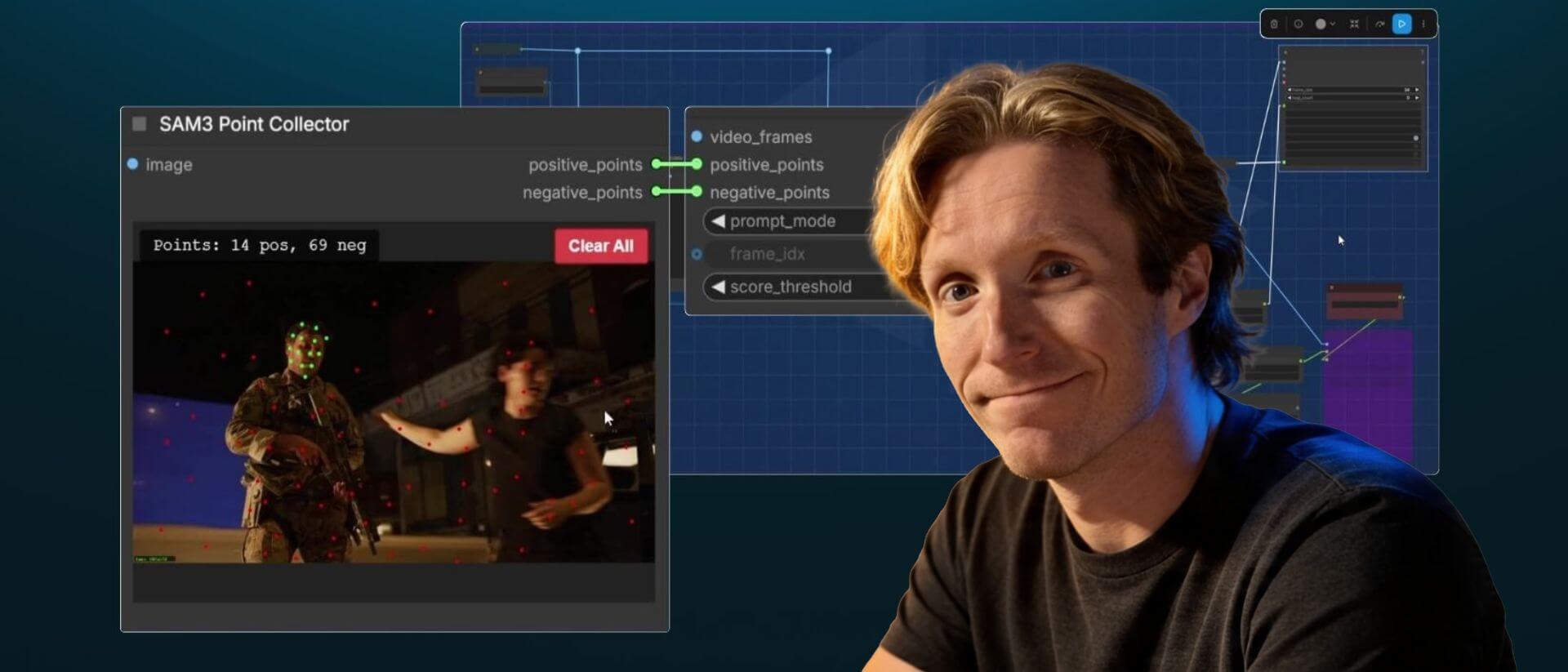
Roto and matte generation
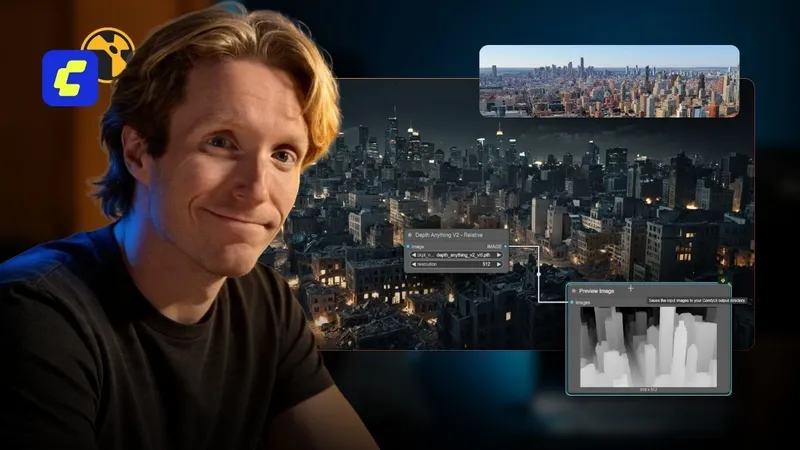
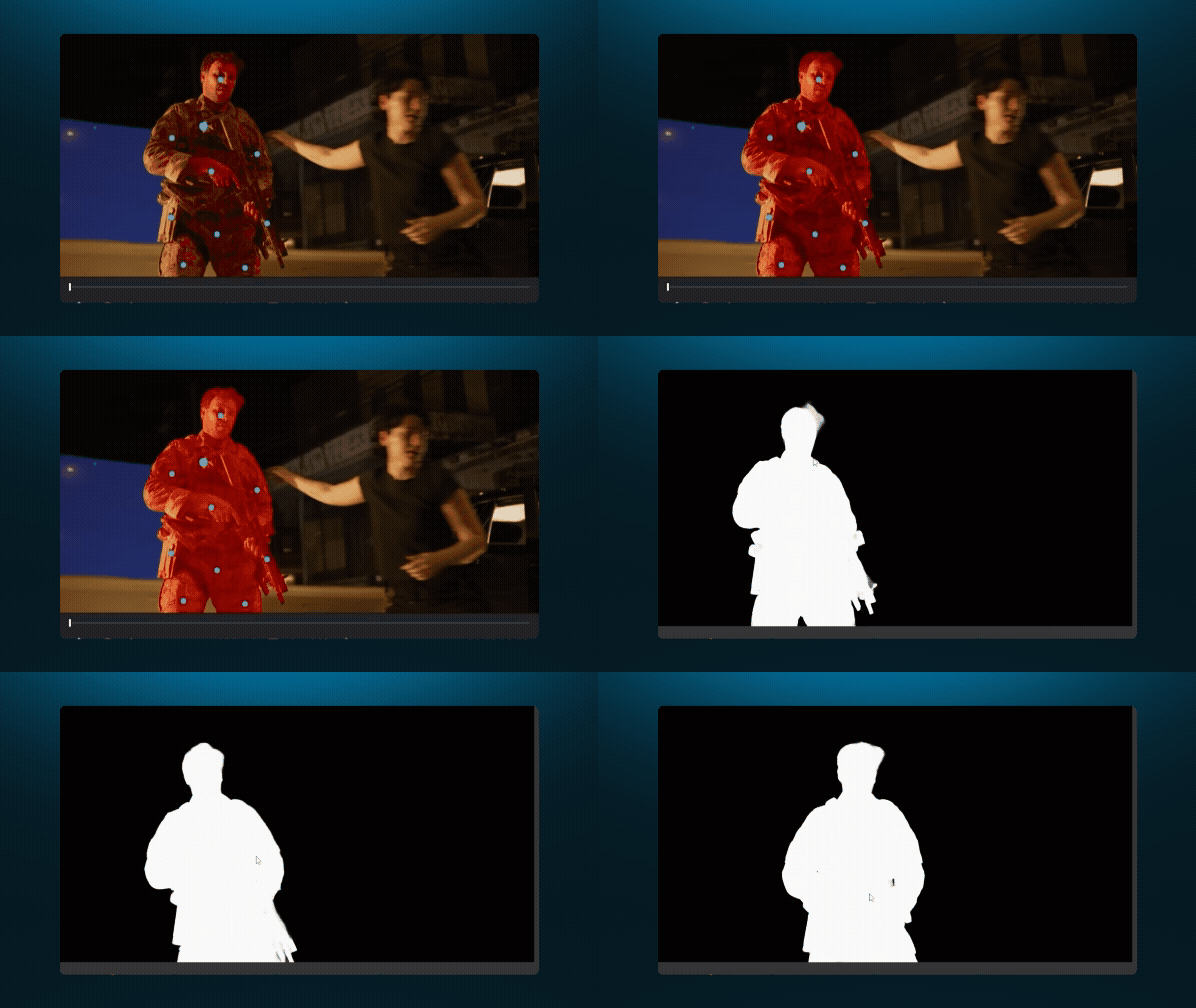
AI segmentation tools have gotten surprisingly good, especially for garbage mattes and rough rotos. You can now isolate a specific object on a live-action plate and get a clean matte.
As Doug put it, “You can almost get to a Cryptomatte level, where you can pick specific things from a plate that you want to matte for.” That’s a pretty big jump. Cryptomatte gives every rendered object its own ID, so you can click on anything and get an instant matte. AI segmentation tools are starting to bring that same kind of object-level control to live-action footage, even though that data never existed in the original plate.
Even if you just use the generated matte as a starting point, that can save hours.
In-painting, out-painting, and replacements
AI is much better at altering something already in the plate than generating something from scratch. As Doug puts it, “It's really good at building on top of what we have.”
In-painting means replacing part of an existing image. For example, you could mask out a car and have AI generate what's behind it. Out-painting is similar, but instead of replacing something inside the frame, you extend the frame and have AI generate what's outside the original image. For example, you could take a shot that's framed too tightly and generate more of the same environment around the edges.
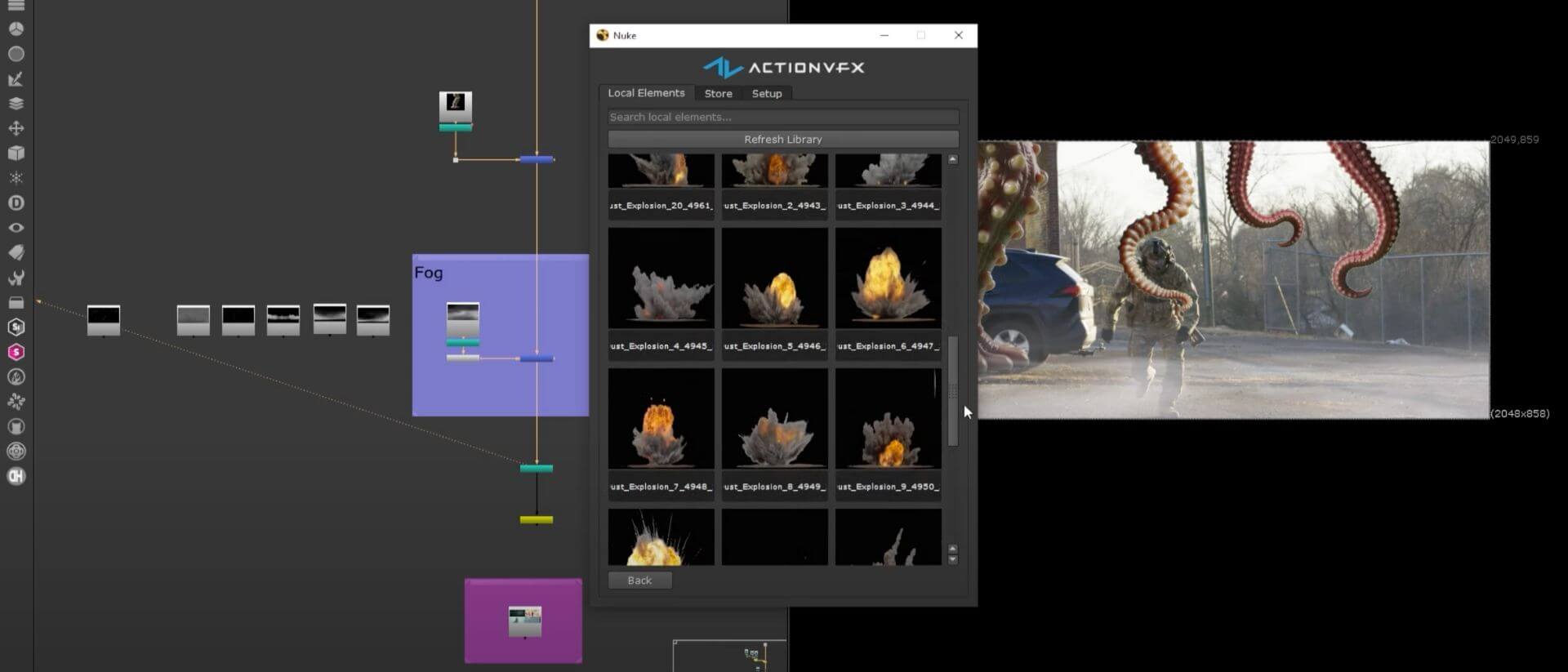
Since ComfyUI lets you build these processes as a node graph, you can control each step instead of handing the whole job to an independent AI tool. For example, you could use one model to create a mask and another to fill in the masked area. Then you’d bring the output back into Nuke.
This makes ComfyUI a great tool for tasks like object removal, sky replacements, face swaps, de-aging, and set extensions.
Cleanplating
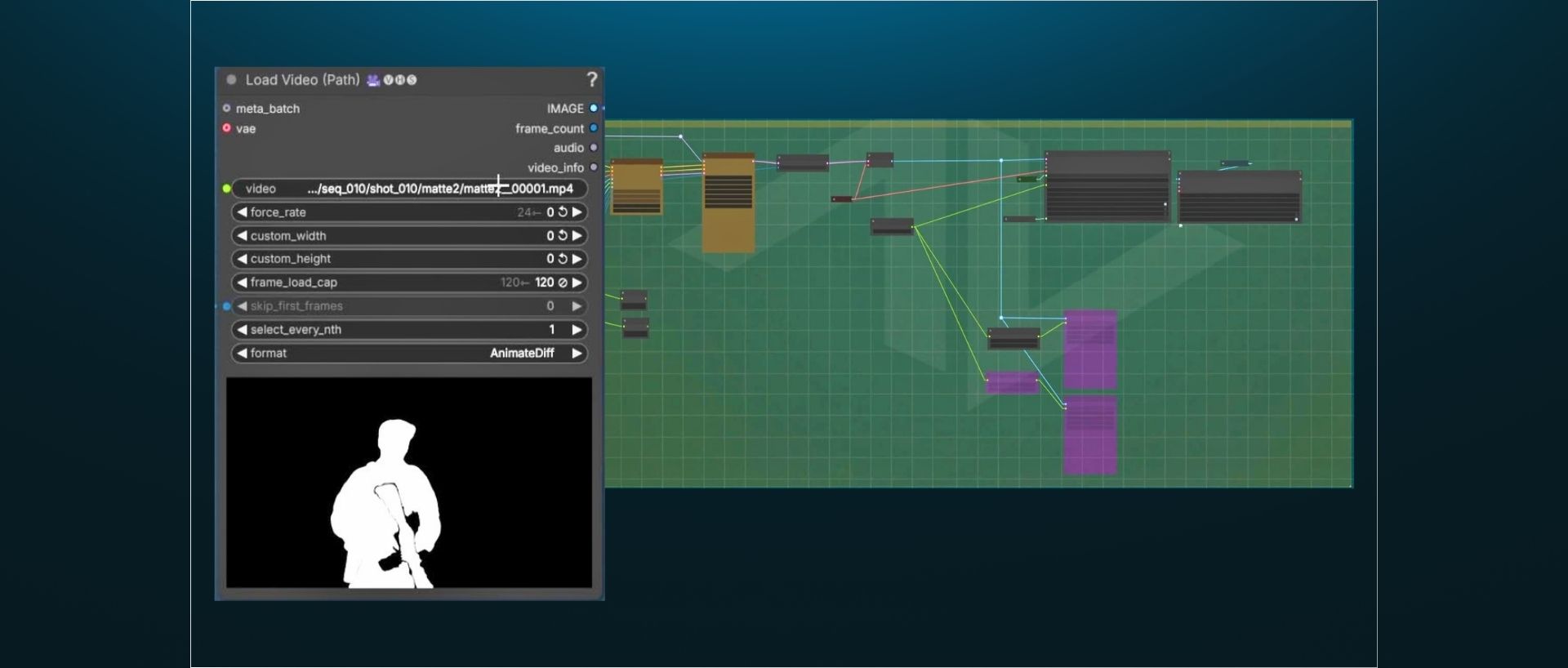
Wire and object removal are still important skills to learn, but there’s no reason to do them manually on every shot when you’re working on a deadline. Doug built a cleanplate workflow that takes out a lot of the time-consuming work. A segmentation model (SAM3) generates the mattes, then an inpainting model (LTX) removes the object. The entire workflow runs locally, with no cloud dependency or per-generation cost. Doug teaches this workflow in his ComfyUI courses.
Low-cost pre-viz for directors
AI tools don’t give directors the same level of control they need for camera blocking and full previz, but they can be useful for quickly testing ideas before shoot day. Instead of spending hours building something that might not work, directors can use AI to get a rough idea of what a shot could look like.
Note for compositors and supervisors: You should know how to communicate with directors about where AI saves time or gets in the way. The VFX Supervisor Masterclass with Eran Dinur is a great place to learn that.
Learn ComfyUI for VFX from Doug Hogan
What AI Doesn’t Do Well
AI still has plenty of limitations in a production environment. For example, we’ve all seen enough flying grandma and exploding trash can videos to know the soft, rubbery look that AI-generated elements often have.
The key for compositors is understanding what AI’s limitations are and when a traditional VFX approach is best.
Here are a few things Doug and Allan think AI doesn't do well right now.
Meeting delivery specs
While ComfyUI now supports ACES, getting an AI generation into the color space and bit depth required by a large production is difficult, and sometimes impossible.
This is something many AI artists who haven’t worked as compositors just don’t understand. Doug said that when he interviews ComfyUI artists, candidates without a VFX background will sometimes confidently claim that a model can produce perfect, photorealistic humans. His reaction is blunt: “You're smoking crack… there's no way it's like that at all.” Before using an AI-generated plate or element in production, make sure you know whether the output will hold up to delivery specs.
You also need to be able to turn the output into a proper multi-pass EXR with depth, albedo, spec, and normal passes rather than a flat MP4. Doug created a workflow in ComfyUI that he uses to do this, which is covered in his Advanced AI Workflows for VFX Artists course.
Small changes
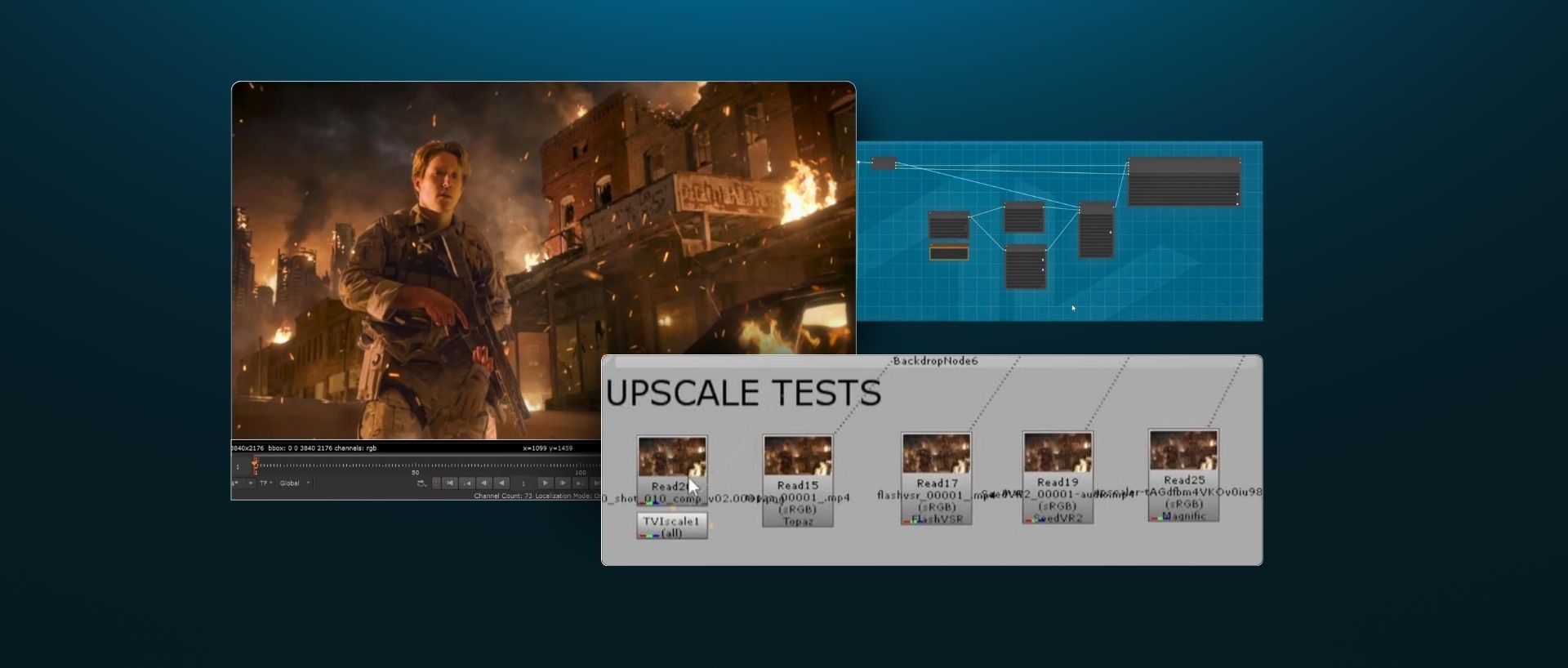
AI still can’t reliably make small changes. Sometimes it’ll get you 99% of the way there, but it regenerates the entire shot to fix the last 1%.
That's where traditional compositing skills are still very important. If a creative director wants a few small details changed, you’ll probably end up spending more time and money trying to get AI to make the change than you would have spent fixing it yourself.
As Doug said, “The most surprising thing I learned working in a studio environment using AI tools is how important Photoshop skills are still... the good old compositing paint skills are so relevant.”
Fire and water sims
CG artists have spent years learning how to make fire and water sims look realistic, but ironically, the latest AI models are worse at fire and water sims than when we started.
According to Doug, “CG finally got water sims, fire sims, all those things right, and then you look at the latest models and the water sucks again, the fire sucks again.”
If you have a shot that requires realistic fire or water, you're almost always better off with a CG sim or a real filmed element.

Why should compositors learn ComfyUI?
Personally, I don’t think AI is coming for VFX. When folks say that, I usually think they’re spending too much time on Reddit (iykyk). Allan told Doug in the interview that, "In the future, having an extensive visual effects background will be a massive strength for you." I think he’s right.
If you’re a compositor, I think you should learn ComfyUI for the same reason many compositors learn Python.
It doesn’t replace compositing, but if it can save you a few hours per week on roto, cleanplating, generating passes, or other tedious tasks, that's pretty useful, especially if you’re a mid-level or senior compositor with valuable time. Even better if it lets you charge more for your freelance work.
If you’re a professional compositor, I’d recommend starting with Doug’s courses on ComfyUI.
Introduction to ComfyUI for VFX: An 8-hour course teaching how to install ComfyUI, how image generation works, and how to use ComfyUI to automate time-consuming compositing tasks like matte generation, set extensions, and cleanplating.
Advanced AI Workflows for VFX Artists: Once you’re familiar with ComfyUI, you’ll want to take Doug’s 7-hour “part 2” course. You’ll composite a shot in Nuke, speeding the process up by building advanced workflows in ComfyUI and Beeble. You’ll learn workflows for utility pass generation, camera tracking, object replacements, relighting, building custom ComfyUI nodes, and more.
Allan McKay also has some great resources worth checking out:
The Allan McKay Podcast: Allan interviews artists about their pitfalls and successes, to help you build a secure career in VFX. Available wherever you listen to podcasts.
The New VFX Career Playbook (free): A free course about how studios hire, and how to make yourself quickly hireable as an artist in a new era of VFX.
Start Learning ComfyUI for VFX>
Watch a sample from Doug's intro course: